Planning your wedding is an exciting journey, and your wedding website is the central hub for your guests. It’s where you share your story, provide crucial details like venue directions and dress codes, and manage RSVPs. But with so many options, where do you even start? To help you find your perfect style and functionality, we've curated a list of the best wedding website examples across leading platforms like Joy, Squarespace, and The Knot, breaking down what makes each one special.
Whether you're after a clean, minimalist design, a rich storytelling platform, or a simple one-page RSVP portal, you’ll find actionable ideas here to create a site that impresses your guests and simplifies your planning. To inspire your own stunning site, delve into these examples of 7 Incredible Example Wedding Website Designs.
Each example in our guide includes screenshots, direct links, and a strategic analysis covering design highlights, essential sections, and mobile-friendliness. We’ll also show you how each platform makes it easy to integrate a universal gift registry like EasyRegistry, giving your guests the ultimate convenience and flexibility. This guide is your blueprint for building a beautiful and functional wedding website that truly reflects you as a couple.
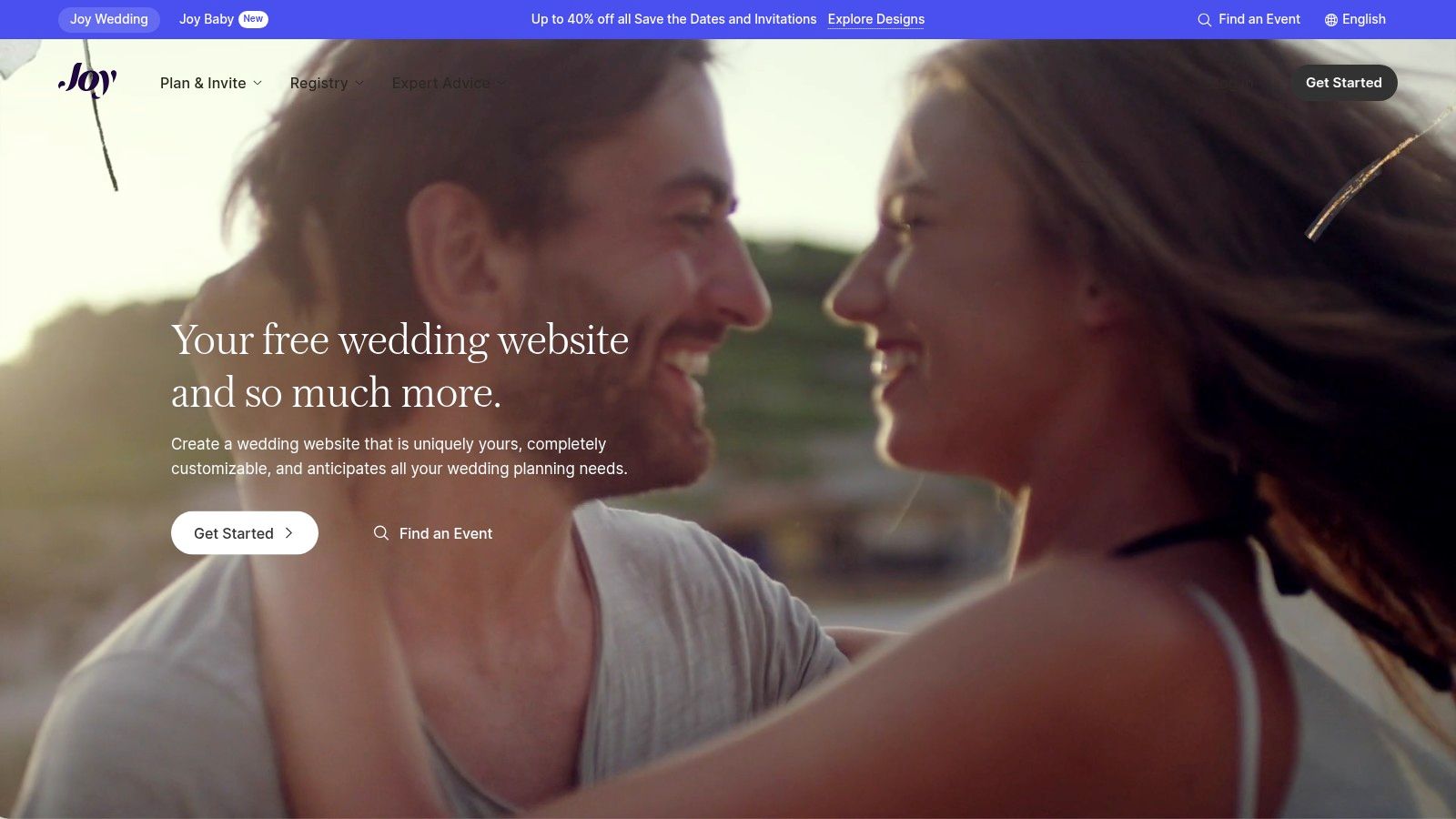
1. Joy
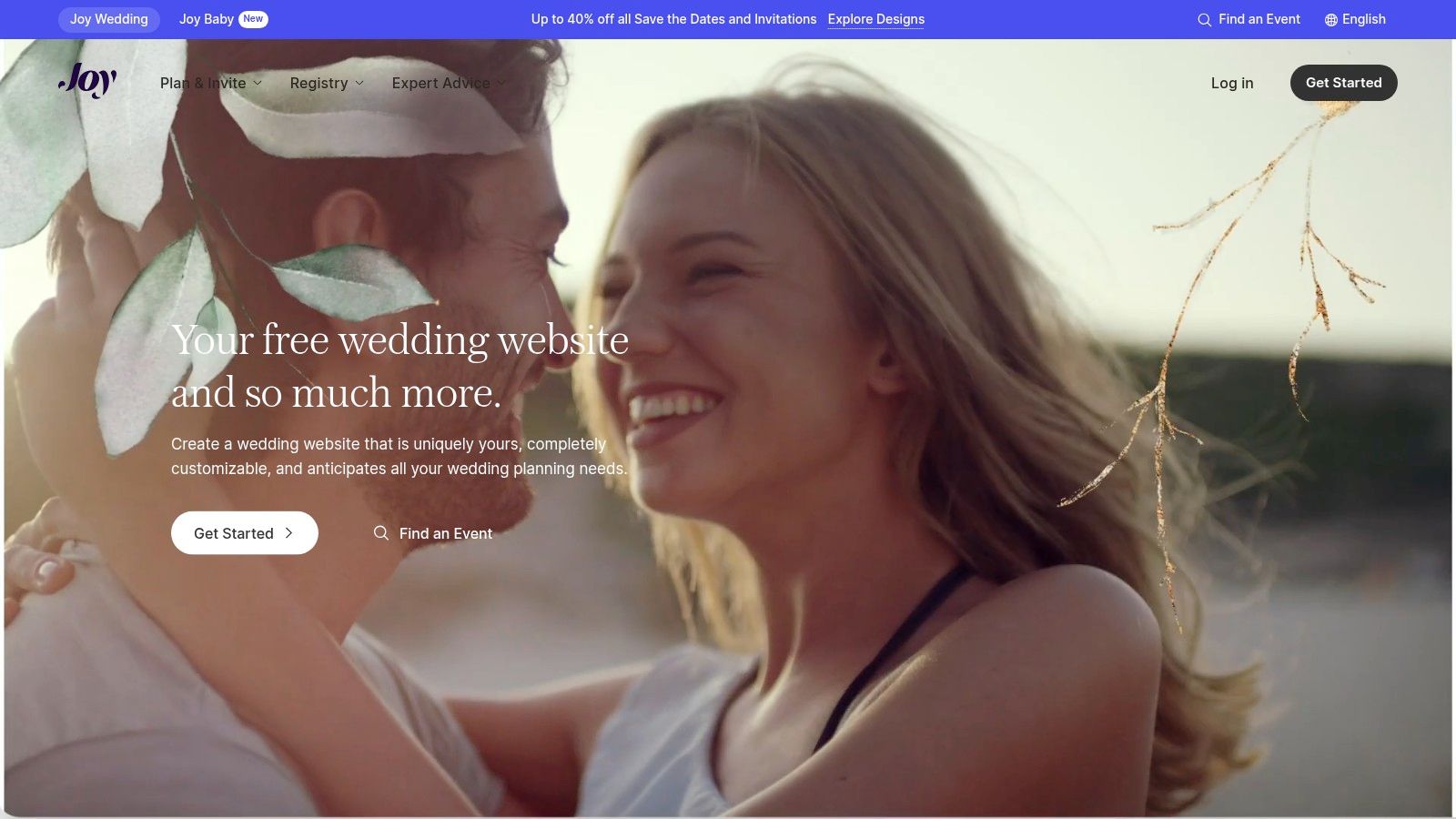
Joy stands out as a powerful, all-in-one platform that is, remarkably, completely free. It goes beyond a simple website builder, offering a comprehensive suite of tools designed to manage almost every aspect of wedding planning and guest communication. This makes it one of the most robust and accessible wedding website examples available.
The platform is praised for its sophisticated guest management features. You can create a highly personalised experience for your guests by controlling who sees which events, which is perfect for managing multiple functions like a rehearsal dinner, ceremony, and reception. The RSVP system is equally advanced, allowing for meal choices, dietary requirements, and custom questions.
Strategic Analysis & Takeaways
Joy’s main strength lies in its ability to centralise wedding logistics without a price tag. It combines a modern website builder with powerful back-end tools, saving couples from juggling multiple apps and spreadsheets.
Design & User Experience: With hundreds of modern, customisable templates, finding a design that matches your aesthetic is straightforward. The user interface is clean and intuitive, though the sheer number of features can present a slight learning curve for new users.
Must-Have Features: The integrated guest list and RSVP manager are game-changers. The platform also offers a companion mobile app for guests, ensuring they have all the details at their fingertips.
Integrating Your EasyRegistry: Joy features a universal registry tool. You can add items from any store, create cash funds, or simply link directly to your existing EasyRegistry page. This creates a seamless gifting experience for your guests, keeping everything consolidated on your wedding website.
Platform Breakdown
Feature
Details
Pricing
100% free for all core features.
Key Differentiator
Advanced, event-specific guest visibility and a companion mobile app.
Best For
Couples who want a powerful, centralised hub for all wedding information.
Pros
Free, sophisticated RSVP tools, high degree of customisation.
Cons
Can feel overwhelming initially, some users report minor bugs.
You can explore Joy and its features at withjoy.com.
2. The Knot
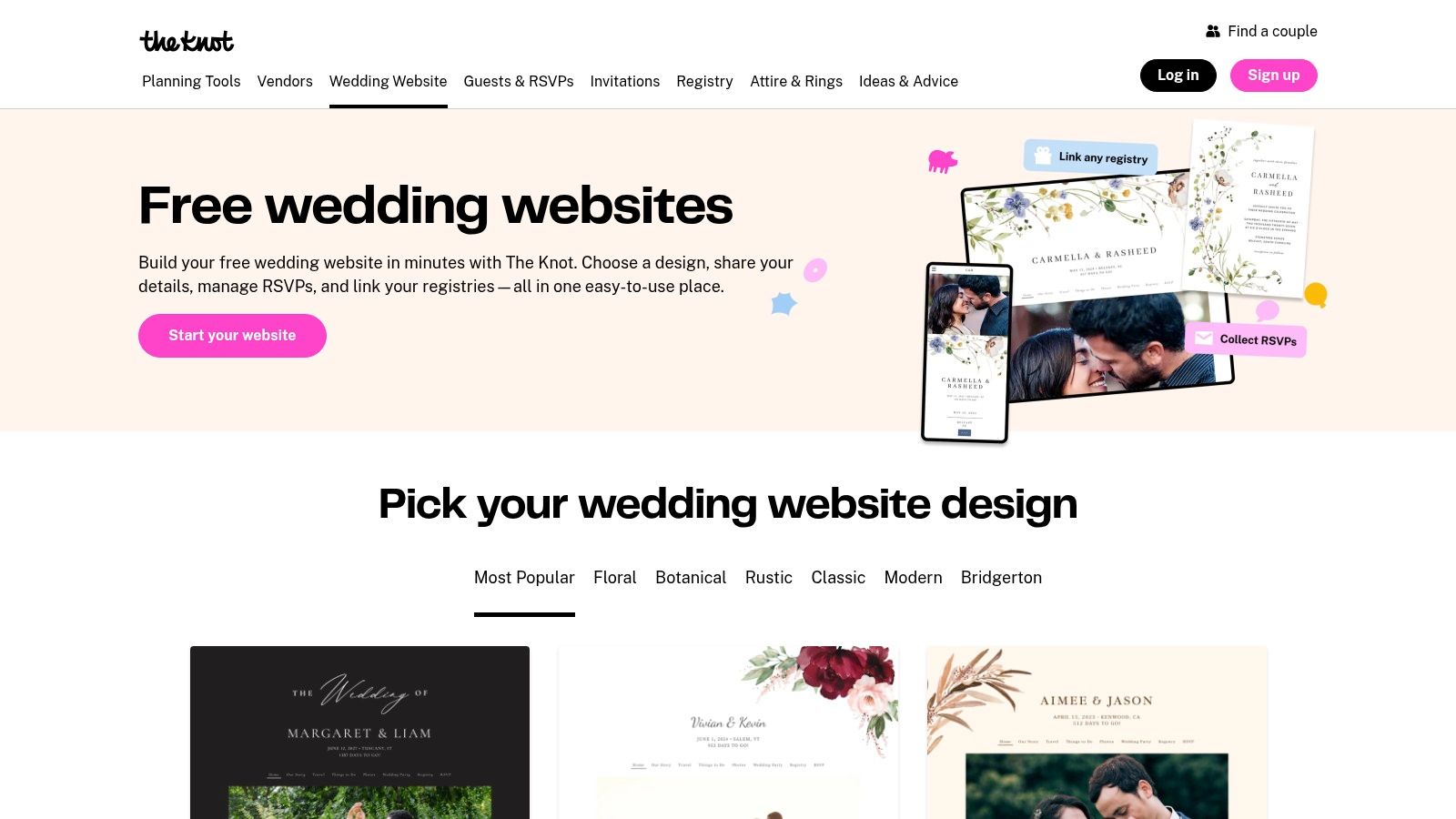
The Knot is one of the most recognised names in the wedding industry, offering a straightforward and free website builder that’s perfect for couples looking for simplicity and speed. It provides a comprehensive ecosystem of planning tools, making it a go-to choice for those who want a tried-and-tested platform to share their big day's details.
The platform excels at guiding users through the setup process quickly. With over 100 templates and a clear, organised dashboard, you can have a functional and attractive website live in under an hour. Its guest list and RSVP tools are robust enough for most weddings, allowing for easy tracking and communication with attendees.
Strategic Analysis & Takeaways
The Knot’s primary strength is its integration into a wider wedding planning universe. It connects seamlessly with its vendor marketplace, registry services, and planning app, creating a centralised hub for couples who are already using The Knot’s other resources. This makes it one of the most practical wedding website examples for an integrated planning experience.
Design & User Experience: The Knot offers a wide variety of templates, though some can feel a bit dated compared to newer platforms. The user interface is exceptionally easy to navigate, prioritising function over complex customisation, which is ideal for less tech-savvy couples.
Must-Have Features: The integrated RSVP system and guest messaging tools are key highlights. The platform also makes it incredibly simple to add pre-built pages for important information like travel, accommodation, and FAQs, saving you time and effort.
Integrating Your EasyRegistry: While The Knot has its own registry service, it also allows for easy linking to external registries. You can create a dedicated registry page and add a direct link to your EasyRegistry, ensuring guests can find your gift list without any confusion.
Platform Breakdown
Feature
Details
Pricing
Free for all core features; custom domain is a paid upgrade.
Key Differentiator
Seamless integration with The Knot's massive ecosystem of planning tools and vendors.
Best For
Couples who value speed and simplicity and are already using other tools from The Knot.
Pros
Very quick to set up, large template library, and completely free for essential features.
Cons
Designs can be less modern, and the platform includes ads and upsells for its services.
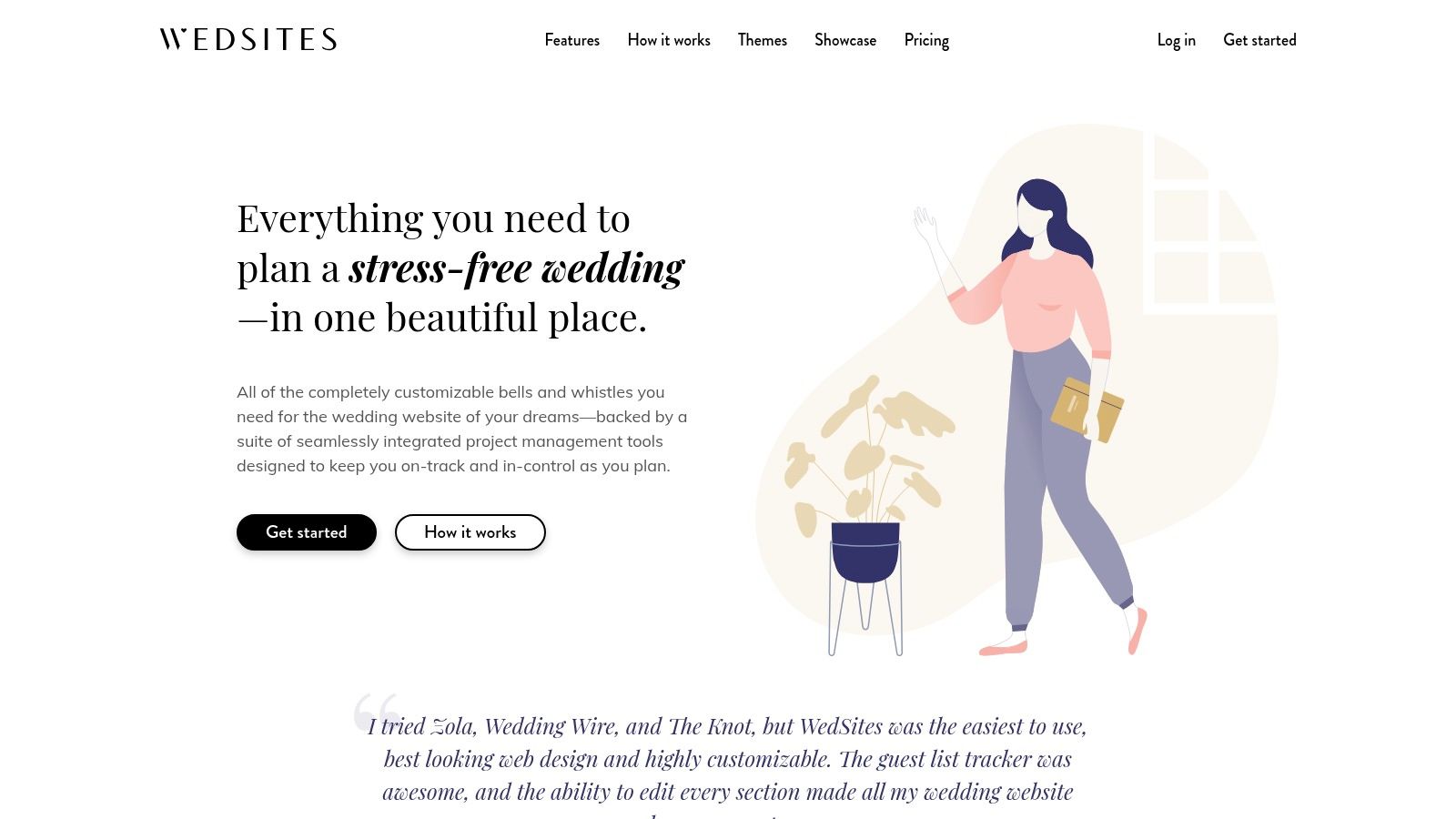
WedSites is an Australian-built platform that blends a sleek website builder with a suite of integrated planning tools. It offers a "Lite" plan that provides a free wedding website for 12 months, making it an excellent starting point for couples. The platform's real power, however, is unlocked through its one-time payment tiers, which add comprehensive planning features like guest list management, seating charts, and budgeting tools.
As an Australian-based service, WedSites is particularly well-suited for local weddings, offering templates with AU-native currency and date formats. It also provides multilingual support, a thoughtful feature for multicultural families. This focus on practical, integrated planning makes it a strong contender among wedding website examples for couples who want to keep everything organised in one place.
Strategic Analysis & Takeaways
WedSites’ core strategy is to offer a beautiful, functional website as an entry point to a more holistic wedding planning ecosystem. The one-time fee model for premium features is a compelling alternative to recurring subscriptions, appealing to budget-conscious couples looking for long-term value.
Design & User Experience: The platform features modern and clean templates that are easy to customise. The user interface is straightforward, guiding couples through both website creation and the use of its more advanced planning tools without being overwhelming.
Must-Have Features: The multilingual support is a key differentiator. For those who upgrade, the integrated digital seating chart and budget tracker are invaluable tools that streamline complex planning tasks directly within the platform.
Integrating Your EasyRegistry: WedSites makes it simple to add your gift registry. You can add a dedicated registry section to your website and insert a direct link to your EasyRegistry page, ensuring guests can easily find and contribute to your desired gifts.
Platform Breakdown
Feature
Details
Pricing
Free "Lite" website for 12 months. Paid one-time upgrades for planning tools.
Key Differentiator
Australian-based with local formatting, plus integrated planning tools like seating charts.
Best For
Australian couples who want a single platform for their website and planning logistics.
Pros
One-time payment model, multilingual support, AU-friendly design and features.
Cons
Free plan is time-limited; key planning tools require a paid upgrade.
You can explore WedSites and its features at wedsites.com.
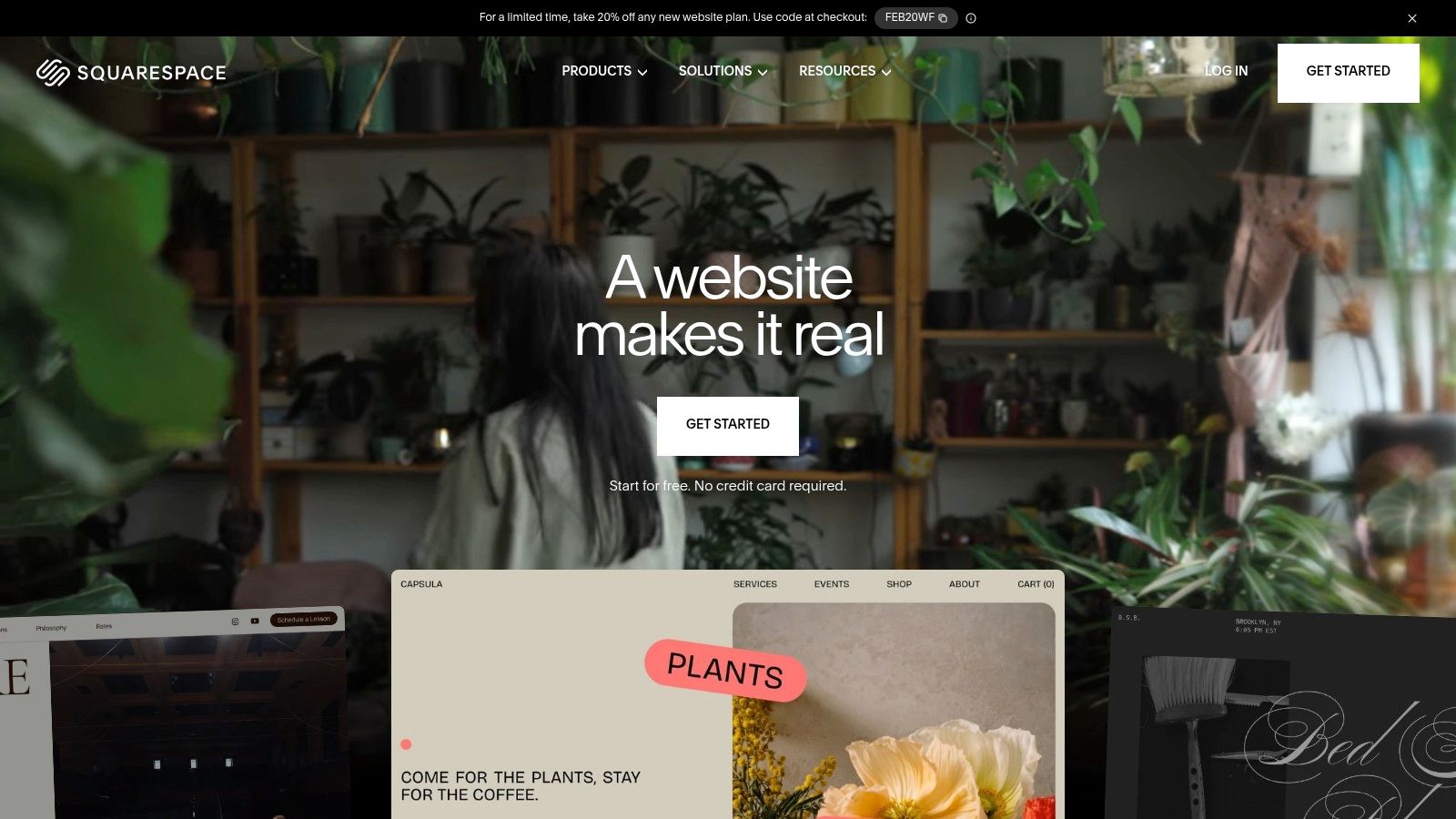
4. Squarespace
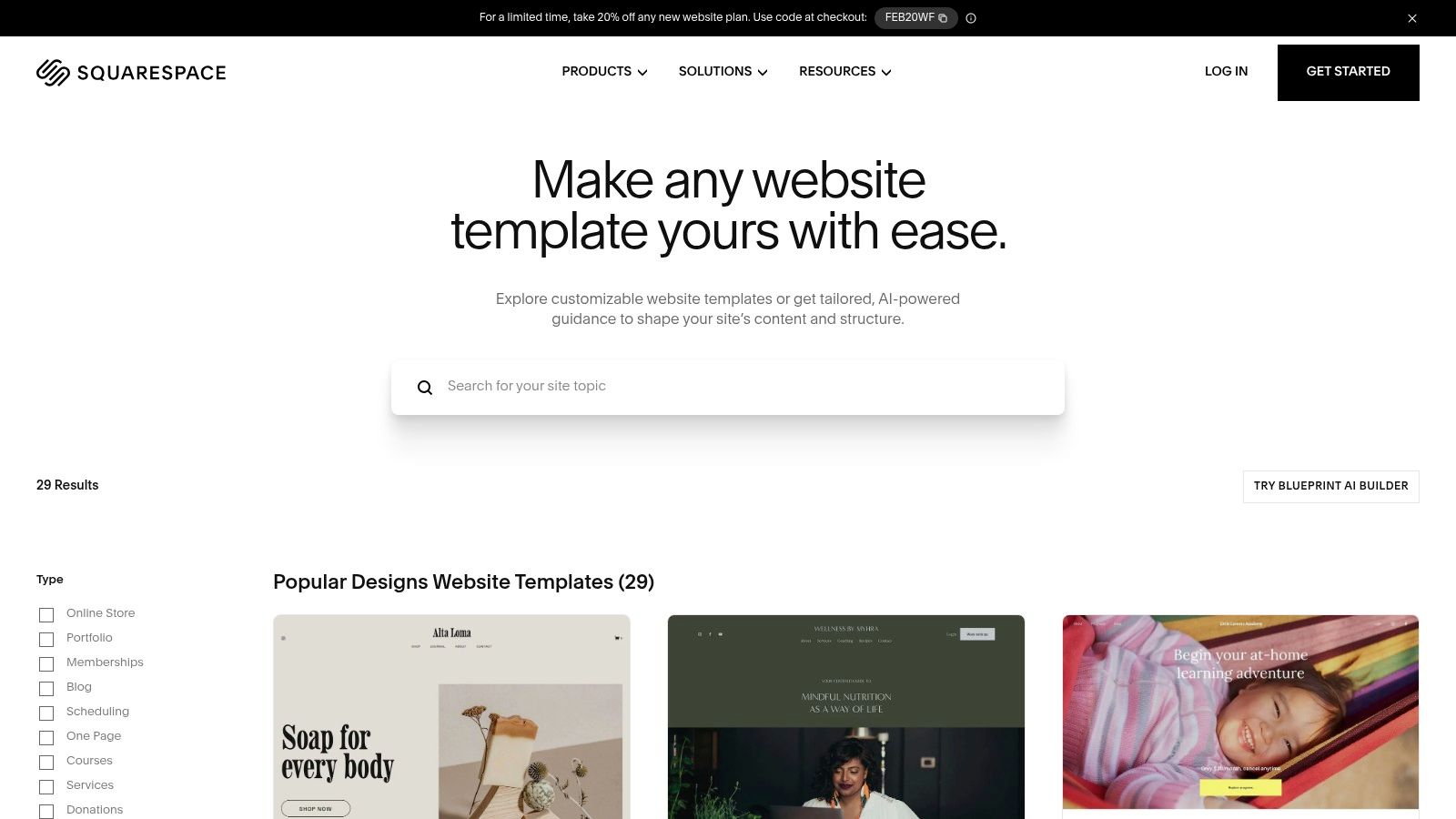
Squarespace is a premium website builder known for its polished, design-forward templates, making it an excellent choice for couples who prioritise aesthetics and full creative control. While not a dedicated wedding platform, its powerful tools and stunning, mobile-optimised designs provide a sophisticated foundation for creating one-of-a-kind wedding website examples. It's ideal for those wanting a completely custom look that can perfectly match their physical stationery.
The platform empowers couples to build a website that feels less like a template and more like a bespoke digital experience. Features like built-in forms can be customised for RSVPs, while flexible page structures allow for detailed sections covering schedules, travel information, FAQs, and your love story. If you're evaluating options for creating your wedding website, reviewing comprehensive comparisons of the best website builders for small business can provide valuable insights into platforms like Squarespace.
Strategic Analysis & Takeaways
Squarespace's core advantage is its design flexibility and professional finish. It allows you to create a high-end, brand-consistent online presence for your wedding without needing to know how to code. This comes at a price, as it operates on a subscription model.
Design & User Experience: The templates are among the most elegant available, with a strong focus on typography and imagery. The drag-and-drop editor gives you granular control over every element, ensuring your vision comes to life exactly as you imagined.
Must-Have Features: The ability to purchase a custom domain directly through Squarespace adds a professional touch. The platform’s reliable hosting and customer support ensure your site remains live and functional for your guests.
Integrating Your EasyRegistry: Squarespace makes it simple to integrate your gift registry. You can add a direct link to your EasyRegistry page in your navigation menu or embed the registry directly onto a dedicated "Gifts" page for a seamless, fully integrated user experience.
Platform Breakdown
Feature
Details
Pricing
Requires a paid subscription plan (starts from around AU$24/month).
Key Differentiator
Unmatched design quality and full creative control over the website layout.
Best For
Design-conscious couples who want a polished, custom website.
Pros
Stunning aesthetics, high reliability, can match stationery for brand consistency.
Cons
Not free, requires a paid plan. Lacks built-in wedding-specific tools.
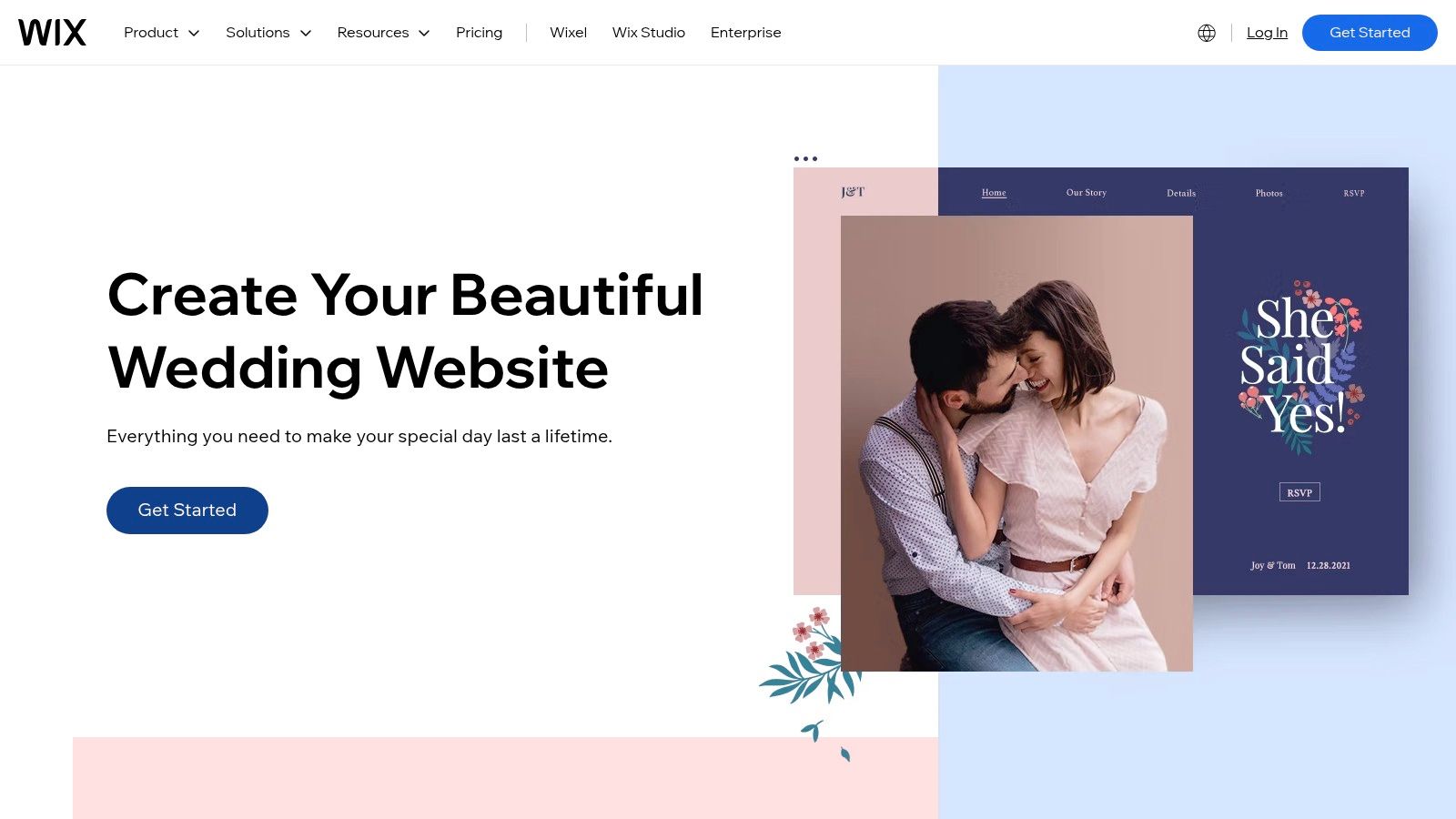
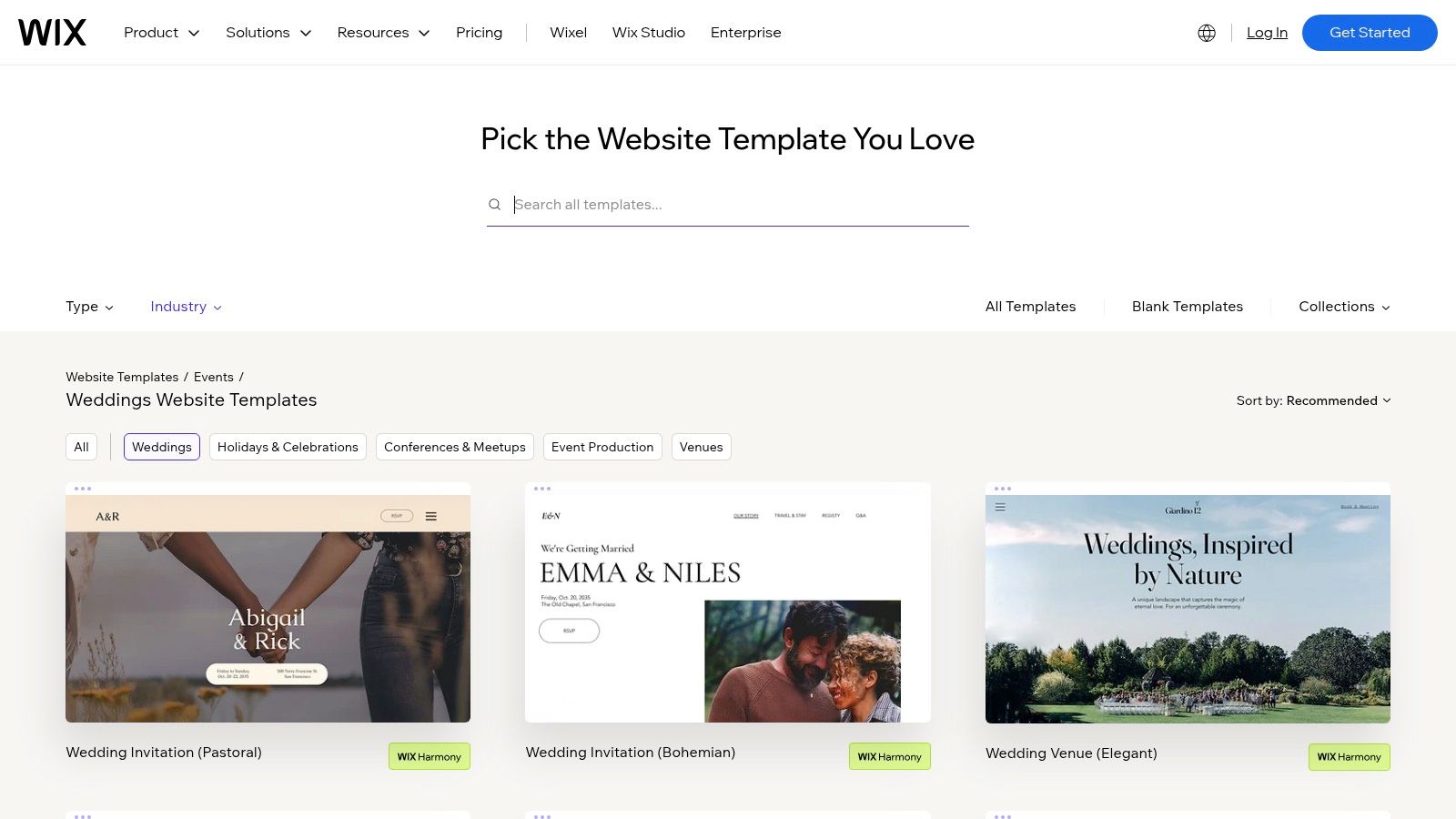
Wix is a powerful and highly flexible website builder that offers a dedicated hub for creating stunning wedding websites. Known for its drag-and-drop editor, it gives couples complete creative control over their site’s layout, design, and functionality, making it one of the most customisable wedding website examples for those with a specific vision.
The platform provides a suite of designer-made wedding templates that can be tailored to any theme. Beyond aesthetics, Wix integrates powerful tools like Wix Events for seamless RSVP collection and guest list management. You can also add beautiful photo galleries, password-protect pages for privacy, and send out integrated email invites directly from your dashboard.
Strategic Analysis & Takeaways
Wix's primary advantage is its unparalleled design freedom. Unlike template-locked platforms, it allows you to move any element anywhere on the page, add animations, and truly build a site from scratch if desired. This makes it ideal for design-savvy couples or those who want a website that perfectly matches their unique wedding stationery and style.
Design & User Experience: The drag-and-drop editor is intuitive for basic customisation, but its sheer number of options can be overwhelming for beginners. The templates provide a great starting point, offering a professional look that can be easily personalised.
Must-Have Features: The ability to integrate Wix Events for guest management is a standout feature. Password protection for specific pages ensures that sensitive details like addresses or schedules remain private and accessible only to invited guests.
Integrating Your EasyRegistry: Wix makes it simple to connect your gift registry. You can add a prominent button or a dedicated "Registry" section to your website's navigation menu that links directly to your EasyRegistry page, ensuring guests can find it easily.
Platform Breakdown
Feature
Details
Pricing
Free plan available (with Wix branding and domain). Paid plans required to remove ads and connect a custom domain.
Key Differentiator
Complete drag-and-drop design freedom and extensive app market for added functionality.
Best For
Couples who prioritise design customisation and want total control over their website's look and feel.
Pros
Very high customisability, large template library, robust feature set through the Wix App Market.
Cons
Free plan includes prominent Wix branding; pricing for premium plans can be confusing and varies by region.
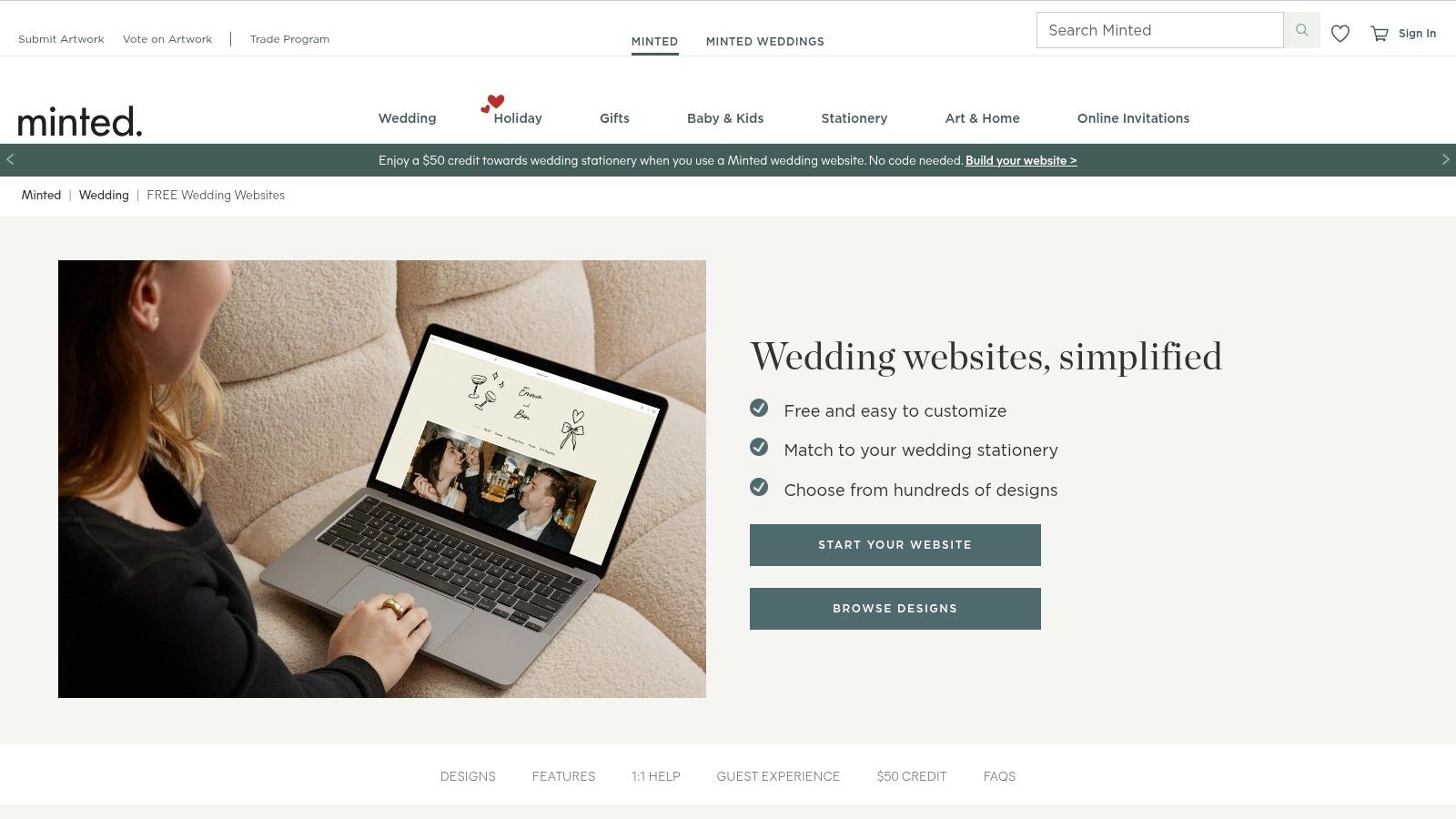
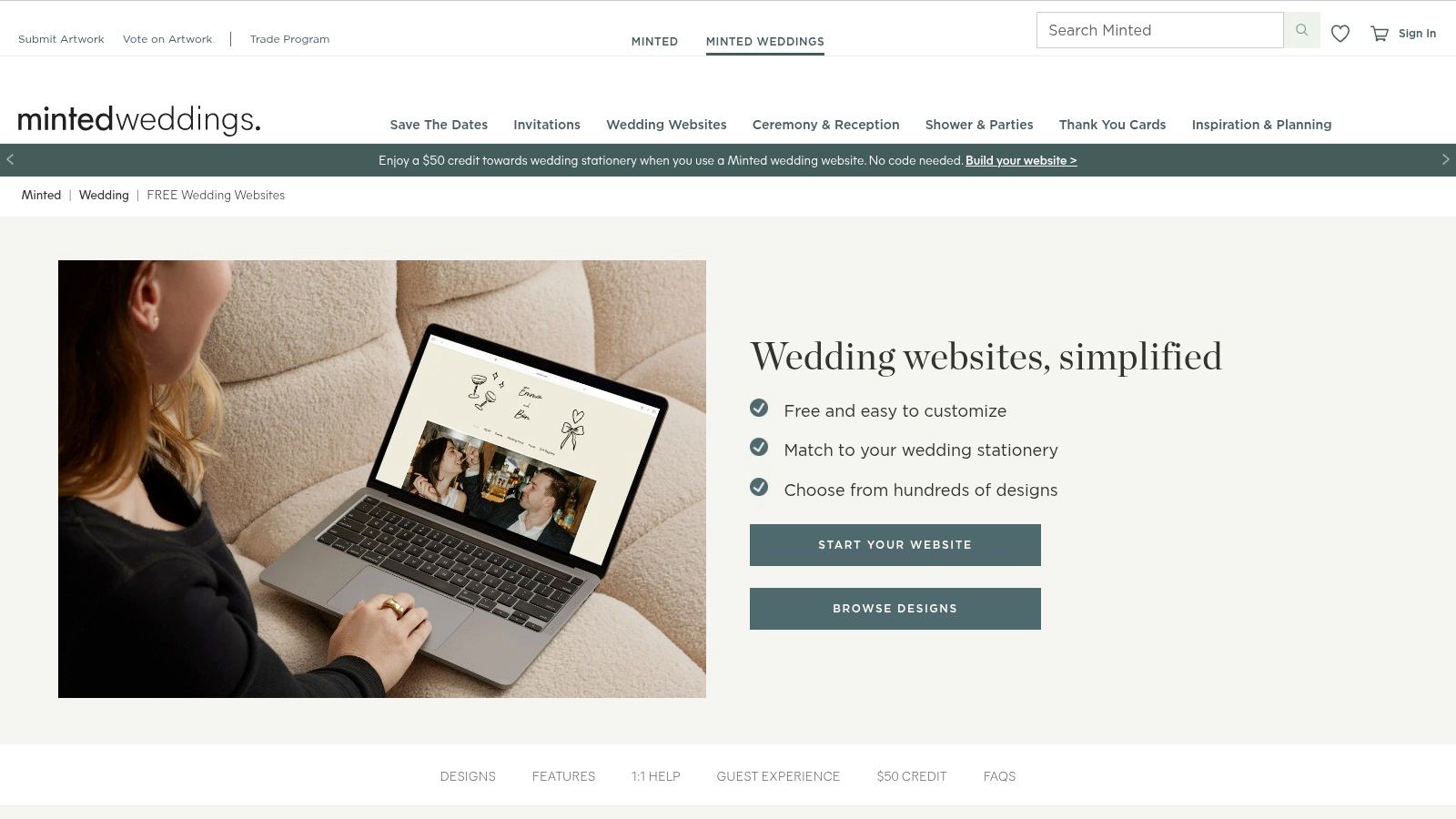
Minted is renowned for its marketplace of independent artists, and its wedding websites extend this design-first philosophy to the digital realm. It’s the perfect solution for couples who value a cohesive aesthetic, allowing you to seamlessly match your digital presence with your physical stationery, from save-the-dates to thank-you cards. Many of the designs are completely free, making it a stylish yet budget-friendly choice among wedding website examples.
The platform focuses on creating a beautiful, unified experience for guests. It offers essential tools like a guest list manager and RSVP tracking for multiple events, all wrapped in a premium design. The main draw is the ability to select a design and then order matching paper goods, often with promotional credits or discounts included when you create your website.
Strategic Analysis & Takeaways
Minted’s core strength is its ability to create a strong, consistent brand for your wedding. It beautifully merges the tangible world of print invitations with the convenience of a digital hub, ensuring every touchpoint with your guests feels coordinated and thoughtfully designed.
Design & User Experience: The designs are the hero feature here. Sourced from a global community of artists, the templates are unique, modern, and highly polished. The website editor is user-friendly, prioritising aesthetics and ease of use over complex, granular customisation.
Must-Have Features: The standout feature is the direct integration with matching stationery suites. The guest list and RSVP tools are robust enough for most weddings, allowing you to manage attendees for various events like the ceremony and reception.
Integrating Your EasyRegistry: Minted allows you to link to any external registry. You can easily add a dedicated "Registry" page to your site and direct guests to your EasyRegistry page with a simple link. This ensures guests can find your gift list while you maintain the cohesive Minted design.
Platform Breakdown
Feature
Details
Pricing
Free for most core designs and features. Premium options are available.
Key Differentiator
Seamlessly matches website designs with physical, artist-designed stationery.
Best For
Style-conscious couples who want a perfectly coordinated print-to-digital look.
Pros
Hundreds of unique, beautiful designs, frequent stationery promotions.
Cons
Registry support is link-based only, some platform logistics are US-centred.
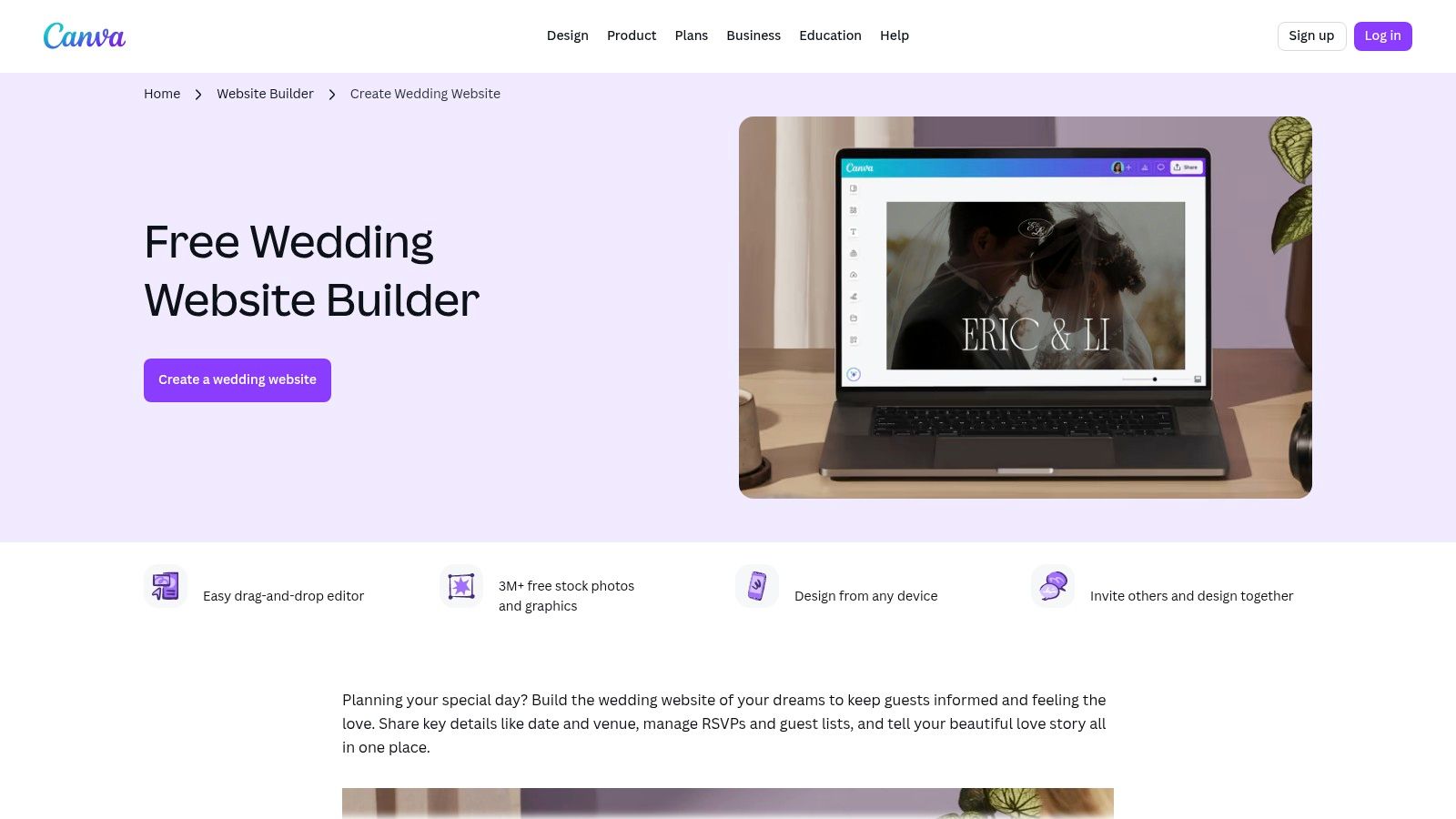
Canva extends its popular design platform into the web space, offering a simple way to turn your creative designs into a functional one-page website. For couples already using Canva for their invitations and other stationery, this platform provides an incredibly fast and visually cohesive way to get online. It's an excellent choice for those who prioritise brand consistency and design control.
The platform leverages Canva's vast library of templates, fonts, and graphics, allowing you to build a site that perfectly matches your other wedding assets. While it doesn't offer native RSVP management or registry tools, it makes linking out to external services straightforward, acting as a beautiful and centralised information hub for your guests.
Strategic Analysis & Takeaways
Canva’s primary advantage is its seamless integration with the design process. If your entire wedding suite is built in Canva, you can create a pixel-perfect, on-brand website in minutes, not hours. This makes it one of the most efficient wedding website examples for design-savvy couples.
Design & User Experience: The experience is identical to using the standard Canva editor, which is famously intuitive. You build the site visually, dragging and dropping elements. The platform publishes responsive sites that look great on any device.
Must-Have Features: The ability to use your existing Canva projects and brand kits is the standout feature. Password protection is available to keep your event private, and you can publish to a free Canva domain or connect your own custom domain (Canva Pro required).
Integrating Your EasyRegistry: Canva websites are perfect for directing guests to your gift registry. You can easily add a prominent button or stylised text link that clicks directly through to your EasyRegistry page, ensuring a smooth and clear user journey for gift-givers.
Platform Breakdown
Feature
Details
Pricing
Free to design and publish to a Canva URL. Canva Pro is needed for a custom domain.
Key Differentiator
Unmatched brand consistency with other Canva-made wedding stationery.
Best For
Couples who have already designed their wedding suite in Canva.
Pros
Extremely fast to build, total design control, seamless brand integration.
Cons
No built-in RSVP or registry tools, requires a paid plan for a custom domain.
You can explore Canva Websites and their templates at canva.com/websites.
Top 7 Wedding Website Platforms Comparison
Platform
Complexity ?
Resources & Cost ?
Expected outcomes ? / Impact ?
Ideal use cases ?
Key advantages
Joy
Moderate ? — feature-rich; some learning curve, occasional bugs
Free core features; minimal extra resources; companion guest app
Users already using Canva assets who want a fast matching site
Fast build, consistent branding with Canva designs, simple publishing
Bringing Your Vision to Life
Your wedding website is far more than a digital noticeboard; it’s the prologue to your celebration, setting the tone and building anticipation long before the first guest arrives. As we’ve explored through these diverse wedding website examples, the perfect platform is one that authentically captures your personality as a couple, whether your style is minimalist and modern, rich with storytelling, or visually driven by stunning photography. The most effective sites strike a beautiful balance between aesthetic appeal and practical functionality, ensuring every guest feels informed, included, and excited.
The key to success lies in choosing a tool that aligns with your technical comfort level and creative vision. By focusing on clear navigation, compelling imagery, and a cohesive design, you transform a simple information hub into an engaging and memorable experience. The examples from platforms like Joy, WedSites, and Squarespace demonstrate how powerful templates and intuitive builders can be, empowering you to create something truly special without needing to be a design expert.
From Inspiration to Implementation
The journey from inspiration to a live website should be exciting, not overwhelming. To ensure a smooth process, consider these final strategic takeaways:
Prioritise the Guest Experience: Look at your website through your guests' eyes. Is the event schedule easy to find? Is the dress code clear? Can they RSVP in just a few clicks? A user-friendly design prevents confusion and reduces the number of questions you'll receive.
Tell Your Unique Story: Don't just list facts. Use your 'Our Story' section, photo galleries, and even the tone of your writing to share what makes your relationship unique. This personal touch is what makes a good website great.
Optimise for Mobile: Remember that the majority of your guests will likely view your site on their phones. Before you share the link, thoroughly test every page and function on a mobile device to guarantee a seamless experience for everyone.
Integrate Your Registry Thoughtfully: The most crucial integration is your gift registry. Make it simple for guests to find and use. Platforms that allow for easy embedding of a flexible solution like EasyRegistry ensure the gifting process is straightforward and genuinely helpful, removing any awkwardness for both you and your guests.
By synthesising these insights, you are now equipped to choose the right platform and design a beautiful, functional, and deeply personal wedding website. These wedding website examples are your blueprint, providing a clear path to creating a digital destination that not only organises your big day but also celebrates the love story at its heart.
Ready to add the ultimate flexibility to your wedding website? With EasyRegistry, you can create a single, beautifully organised registry for any gift from any store, alongside wishing well contributions. Start your free EasyRegistry today and give your guests the simplest, most convenient way to celebrate with you.
Your wedding website is the digital front door to your celebration, the central hub where guests find key details, share your excitement, and get a feel for your big day. But with so many options, from dedicated platforms to versatile builders, knowing where to start can be overwhelming. How do you choose the right style and platform to reflect your unique story while ensuring a seamless experience for your guests? That's where this guide comes in.
We've curated a comprehensive list of the best sample wedding websites and powerful builder platforms available today. We move beyond just pretty pictures, offering a strategic breakdown of what makes each example effective. You'll find real-world inspiration from platforms like Joy and Minted, alongside customisable options from Squarespace and Wix. Each analysis includes screenshots and direct links, so you can see them in action.
More importantly, we'll analyse their layouts, user experience, and key features. We’ll show you exactly how to integrate your gift registry, with specific tips on where to place your EasyRegistry link for maximum visibility and convenience. Let’s dive in and find the inspiration you need to create a wedding website that’s both beautiful and functional.
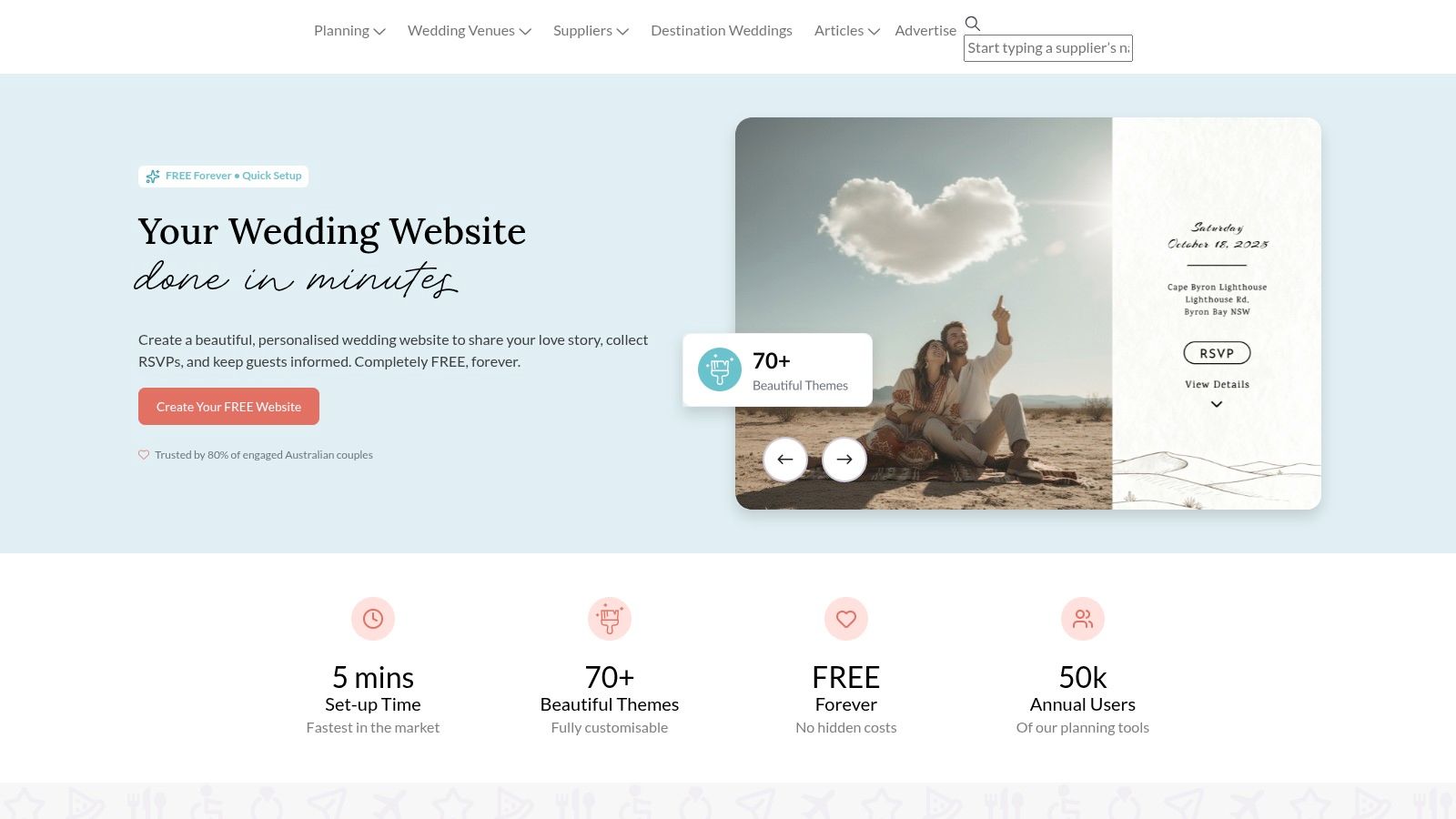
1. Easy Weddings
Easy Weddings offers a streamlined, locally-focused platform for Australian couples looking to create a functional and stylish wedding website quickly. It stands out by integrating its website builder directly with a comprehensive suite of planning tools, making it a powerful, centralised hub for organising your big day. This platform is ideal for couples who value convenience and a fast setup over deep customisation.
The user experience is designed for simplicity. You can select from over 70 mobile-responsive themes, add your details, and publish your site in under an hour. While the design templates are less flexible than dedicated builders like Squarespace, they cover a wide range of popular styles, from classic to modern. The real advantage lies in its seamless connection to the Easy Weddings planning dashboard, where your RSVP list automatically syncs with your seating chart and guest list manager.
Key Features and Strategic Use
Easy Weddings provides a free-forever service that includes hosting, a unique URL (e.g., easyweddings.com.au/website/your-names), and password protection. This makes it one of the most accessible sample wedding websites available for Australian couples on a budget.
Integrated Planning Tools: Your website isn't just a standalone page; it’s connected to your budget calculator, checklist, and supplier directory. This integration saves time and reduces administrative tasks.
Built-in RSVP Management: Guests can RSVP directly on the site, and their responses are automatically tracked. You can customise questions to collect meal preferences or song requests.
Gift Registry Integration: Adding your gift registry is straightforward. You can easily link to any external registry provider. For a flexible option that allows guests to contribute to cash funds, experiences, or physical gifts, a universal registry like a wedding gift registry is an excellent choice to link here.
Pros and Cons
Pros
Cons
Completely free for core website and hosting.
Less design freedom than premium website builders.
Specifically designed for Australian couples.
Custom domains require external purchase and forwarding.
Fast setup with user-friendly templates.
Limited advanced features or third-party integrations.
Integrates with other planning tools seamlessly.
Ultimately, Easy Weddings is a practical, no-fuss solution perfect for couples who want an efficient and free platform to share information and manage guests without the complexity of a more advanced website builder.
Joy offers a beautifully designed, all-in-one platform that combines a free wedding website builder with a powerful mobile app and integrated planning tools. It stands out by providing an elegant, tech-savvy experience for couples and guests alike, focusing on modern aesthetics and user-friendly features. This platform is ideal for couples who want a sophisticated digital hub that is both free and highly functional, without requiring deep technical skill.
The user experience is centred on intuitive design and mobile accessibility. Couples can select from hundreds of sleek, contemporary templates and customise colours, fonts, and layouts to match their wedding style. The platform excels at managing complex events with multiple parts, like destination weddings or multi-day celebrations. Its powerful RSVP system and guest management tools streamline the entire process from invitation to the final headcount.
Key Features and Strategic Use
Joy provides its core website, planning tools, and app completely free, which includes hosting and unlimited guests. This makes it an exceptional choice for couples looking for premium-feeling sample wedding websites without the associated cost. Optional paid upgrades include custom domains and premium designs.
Comprehensive RSVP Management: Go beyond a simple yes or no. You can ask custom questions, manage plus-ones, and even assign guests to specific events (e.g., rehearsal dinner vs. wedding day).
Integrated Mobile App: Guests can use the Joy app to view details, RSVP, and upload photos to a shared album, creating an interactive experience that keeps everyone connected.
Universal Gift Registry: Joy’s registry tool lets you add gifts from any store online using a browser button, link to existing registries, or create cash funds for honeymoons or home deposits.
Pros and Cons
Pros
Cons
Completely free for all core features.
Some advanced features and designs are paid upgrades.
Modern and stylish templates.
Registry and cash fund features are US-centric.
Powerful guest list and RSVP tools.
Premium support is tied to paid tiers.
Includes a dedicated mobile app for guests.
Ultimately, Joy is a top-tier choice for couples wanting a polished and comprehensive digital wedding experience. It expertly balances beautiful design with robust, practical tools, making the planning process smoother for you and your guests.
Minted is renowned for its designer-driven marketplace, offering free wedding websites that seamlessly coordinate with its extensive collection of printed stationery. This platform excels by providing artist-created designs, ensuring a cohesive and high-end aesthetic from your save-the-dates to your thank you cards. It’s the perfect choice for couples who prioritise beautiful, consistent branding for their wedding and want a premium look without the designer price tag.
The platform focuses on a visually appealing and user-friendly experience. You can choose from hundreds of unique, mobile-responsive themes crafted by independent artists. While customisation is template-based, the quality of the designs means your site will look polished with minimal effort. A key advantage is the sophisticated RSVP system, which can manage multiple events (like a welcome dinner or day-after brunch), making it ideal for multi-day wedding celebrations.
Key Features and Strategic Use
Minted offers a robust free website service, which includes hosting, a unique URL (e.g., yournames.minted.us), and password protection. For those seeking a more professional touch, a one-time fee provides an upgrade to a custom domain name.
Coordinated Stationery Suite: The biggest draw is the ability to match your website design to your entire paper suite, including invitations and on-the-day signage, creating a professional and unified look.
Multi-Event RSVP Management: Guests can RSVP to different wedding-related events through a single, streamlined process. You can tailor guest lists for each event, simplifying logistics for complex wedding weekends.
Flexible Gift Registry Links: Easily add links to any external gift registries. To give guests a variety of contribution options, you can see how other couples have organised their gift lists by viewing a few sample registries for inspiration.
Pros and Cons
Pros
Cons
High-quality, designer-made looks.
Custom URL is a paid upgrade.
Matches printed stationery for a cohesive aesthetic.
Printed stationery ships from the U.S. (postage/duties may apply).
Excellent multi-event guest management.
Fewer built-in planning tools compared to all-in-one platforms.
Completely free for the core website service.
Ultimately, Minted provides some of the most beautiful sample wedding websites for style-conscious couples who want a seamless connection between their online presence and their physical stationery, all wrapped in a user-friendly and largely free package.
Squarespace is a design-forward website builder known for its polished, professional templates, making it ideal for couples who prioritise aesthetics and customisation. It empowers users to create a highly stylised, magazine-quality wedding website that feels unique. This platform is perfect for those willing to invest a bit more time and money for a premium look, complete with a custom domain, advanced analytics, and unmatched design flexibility.
The user experience is centred around a powerful drag-and-drop editor that offers deep control over every element on the page. You can choose from a curated selection of wedding-specific templates and then modify them extensively to match your personal style. While it requires more effort than a dedicated wedding website tool, the payoff is a bespoke site that can include everything from stunning photo galleries and embedded maps to integrated RSVP forms and blog sections for sharing your story.
Key Features and Strategic Use
Squarespace operates on a subscription model after a 14-day free trial, with plans that include professional hosting, a custom domain for the first year, and 24/7 customer support. This makes it a robust choice for couples wanting to build sophisticated sample wedding websites that serve as a lasting digital keepsake.
Designer Templates: Access a wide range of award-winning, mobile-responsive templates specifically designed for weddings, which can be customised with unique fonts, colours, and layouts.
Custom Domain Support: A professional URL (e.g., www.your-names.com) is included free for the first year with annual plans, adding a polished and personal touch.
Flexible Registry Integration: You can seamlessly link to any external gift registry. A universal registry is a great fit here, as it allows for a mix of cash funds, experiences, and physical items. You can explore how a universal registry works to see if it suits your needs.
Pros and Cons
Pros
Cons
Best-in-class design quality and flexibility.
Paid platform after the 14-day free trial.
Scales easily with blogs, galleries, or other pages.
More setup time required than dedicated wedding website builders.
Extensive wedding-specific template inspiration.
Can be more complex for less tech-savvy users.
Professional hosting and custom domain included.
Ultimately, Squarespace is the premier choice for creative couples who want full control over their website's design and functionality. It’s an investment that delivers a beautiful, professional, and highly personalised online hub for your wedding celebration.
Wix is a powerful and highly flexible drag-and-drop website builder that offers extensive creative control for couples who want a unique online presence. It provides a vast gallery of wedding-specific templates and the powerful Wix Events app for comprehensive RSVP and guest management. This platform is ideal for couples who desire deep customisation and are willing to invest a little more time to build a truly personalised site.
The user experience is centred on its intuitive drag-and-drop editor, which allows you to place any element anywhere on the page, offering near-limitless design freedom. You can start with a professional template and modify it completely or build your site from scratch. This flexibility makes it a great source for sample wedding websites that break from the standard mould, with pricing and support localised for Australian users.
Key Features and Strategic Use
Wix offers a free plan to get started, though most couples will upgrade to a premium plan to remove Wix ads and connect a custom domain. The real strength lies in its app market, which lets you add advanced functionality with just a few clicks.
Total Design Freedom: The drag-and-drop editor is one of the most flexible available, allowing you to fine-tune every detail of your layout, fonts, and colours.
Wix Events App: This integrated tool transforms your site into a full event management platform. You can sell tickets (if applicable), collect detailed RSVPs, manage guest lists, and send automated email updates.
App Market: Add photo galleries, forms, music players, and more from the Wix App Market to create a feature-rich experience for your guests.
Pros and Cons
Pros
Cons
Highly flexible drag-and-drop design editor.
Free plan includes Wix branding and no custom domain.
Extensive library of stylish wedding templates.
Feature set can feel fragmented across different apps.
Wix Events provides robust RSVP and guest management.
Can have a steeper learning curve than simpler builders.
A free plan is available to test the platform.
Ultimately, Wix is the perfect choice for couples who want to create a highly customised and professional-looking wedding website without needing to code. Its blend of design flexibility and powerful event management tools makes it a top contender in the market.
Canva has expanded beyond graphic design to offer a simple, visually-driven wedding website maker. It’s perfect for couples who are already using the platform for their invitations and signage, allowing for a perfectly cohesive design aesthetic. The platform excels at creating stylish, single-page sites quickly using a familiar drag-and-drop interface, making it ideal for sharing essential details without the complexity of a traditional website builder.
The user experience is incredibly intuitive, especially for existing Canva users. You can choose from a range of free, customisable templates and publish a responsive website on a Canva subdomain in minutes. While it lacks the advanced features of dedicated builders, its strength lies in its simplicity and vast library of design assets. It’s an excellent choice for couples wanting a beautiful, low-maintenance site to complement their other wedding stationery.
Key Features and Strategic Use
Canva offers free website hosting on a Canva domain (e.g., yournames.my.canva.site), making it a cost-effective solution for basic needs. The collaborative features allow you and your partner to edit the design together in real-time, streamlining the creation process.
Unified Design Workflow: If you're designing your save-the-dates, invitations, and on-the-day signage in Canva, creating your website here ensures a perfectly matched brand. This consistency elevates the entire guest experience.
Drag-and-Drop Simplicity: The editor is famously user-friendly. You can easily customise fonts, colours, and layouts and add elements from Canva’s extensive media library without any technical skills.
Simple Registry Linking: Adding a button or a styled text link to your gift registry is straightforward. This is an ideal place to direct guests to a flexible solution like a universal wedding gift registry where they can contribute to various funds or gifts.
Pros and Cons
Pros
Cons
Very quick and easy to set up with no coding.
Lacks native RSVP management; requires linking to external forms.
Completely free for basic templates and hosting.
Less functional than dedicated wedding website builders.
Seamless design consistency with other Canva materials.
No option for a custom domain; uses a Canva subdomain.
Collaborative features for real-time editing.
Limited advanced features or third-party integrations.
In summary, Canva is the go-to for design-savvy couples who prioritise aesthetic cohesion and speed over complex functionality. It’s one of the best sample wedding websites for creating a simple, beautiful, and free online presence for your big day.
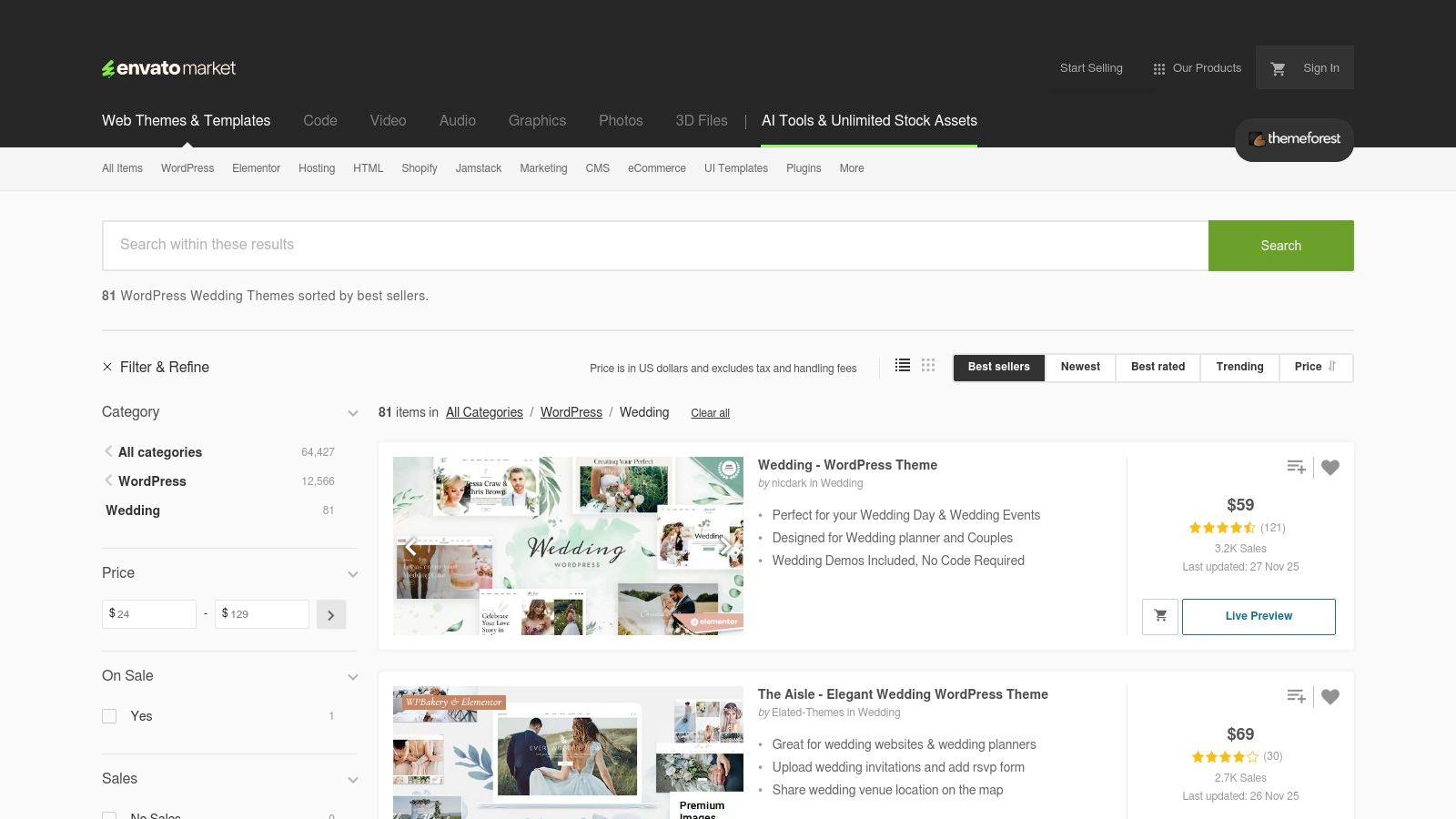
ThemeForest offers a vast marketplace of professionally designed wedding website themes, primarily for the WordPress platform. It is the ideal choice for couples who want maximum creative control and are comfortable with a more hands-on approach, involving arranging their own hosting and WordPress installation. The platform stands out by offering premium, feature-rich designs with extensive live demos that you can purchase with a one-time licence fee.
The user experience involves browsing a large catalogue and viewing live demos to see exactly how a theme looks and functions before buying. Many themes include one-click demo importers and support for drag-and-drop page builders like Elementor, simplifying the customisation process. While this requires more technical setup than all-in-one builders, it gives you complete ownership and flexibility over your site’s design and functionality, making it a go-to for truly bespoke sample wedding websites.
Key Features and Strategic Use
ThemeForest operates on a one-time purchase model, meaning you buy a theme licence and can use it forever without recurring subscription fees. This is a cost-effective long-term solution for couples who already have or plan to set up a self-hosted WordPress site.
Extensive Theme Library: Access thousands of unique, high-quality wedding themes created by different designers, offering far more variety than standard website builders.
Full Customisation Control: With a self-hosted WordPress site, you have unlimited control over plugins, design elements, and custom code to create a truly one-of-a-kind website.
One-Click Demo Import: Many themes allow you to import the entire demo site with a single click, providing a complete, professional-looking structure that you just need to populate with your own details.
Gift Registry Flexibility: You can easily add a text link or button pointing to any external registry. For a universal option that consolidates cash funds and gifts from any store, integrating a link to a wedding gift registry is a simple and effective strategy.
Pros and Cons
Pros
Cons
One-time theme purchase (no recurring subscription).
Requires separate purchase of hosting and a domain name.
Unmatched design flexibility and customisation options.
Involves a steeper learning curve with WordPress management.
Huge variety of professional demo sites to start from.
Quality of themes and level of author support can vary.
Full ownership and control over your website.
Ultimately, ThemeForest is the best choice for tech-savvy couples who prioritise unique design and complete control over their website and are willing to manage the technical aspects of hosting and setup.
Designer-coordinated site matching printed invitations; multi-event RSVPs ?
Design-focused couples pairing site with printed stationery orders ?
High-quality designer looks; stationery integration and incentives ?
Squarespace
Medium — more configuration for custom layouts and features ?
Medium ? paid subscription after trial; includes hosting & domain options ?
Polished, highly customizable site with analytics, galleries, e?commerce-ready ?
Couples wanting professional design, branding, and scalability ?
Best-in-class design flexibility, analytics, multi-page control ?
Wix
Low–Medium — drag-and-drop editor; app-based features to manage ?
Low ? free plan with ads; paid tiers for domains, storage; localized pricing ?
Flexible, template-rich site with Wix Events for RSVPs and galleries ?
Beginners who want easy editing and many wedding templates ?
Very beginner-friendly; strong template variety; Wix Events for RSVPs ?
Canva
Very low — rapid drag-and-drop customization and publish ?
Low — free publishing on Canva subdomain; limited native RSVP features ?
Lightweight, visually consistent site suited for basic event info ?
Quick one-page sites that match Canva invitations and materials ?
Fast setup, collaborative design workflow, unified assets ?
ThemeForest (Envato)
High — requires hosting, WordPress install, theme setup and maintenance ?
High ? one-time theme fee + hosting/domain and ongoing maintenance ?
Highly customizable, professional sites if you handle WordPress setup ?
Tech-savvy couples or developers seeking full design control ?
One-time purchase model; deep customization; many demo/site options ?
Bringing Your Vision to Life: Your Next Steps
You've now explored a diverse gallery of sample wedding websites, from the streamlined simplicity of all-in-one platforms like Joy and Easy Weddings to the boundless creative freedom offered by custom builders like Squarespace and Wix. We've analysed everything from minimalist designs and photo-led narratives to vibrant destination themes, breaking down what makes each example effective and how you can replicate its success. The journey through these examples reveals a clear truth: the best wedding website is one that authentically reflects your story as a couple while serving as a practical, easy-to-use hub for your guests.
The key takeaway is that strategic design and user experience are just as important as aesthetics. A beautiful site that is difficult to navigate on a mobile phone or hides essential details will only cause confusion. Your focus should always be on clarity, accessibility, and providing a seamless path for your guests to find information, RSVP, and celebrate with you.
Choosing Your Platform: A Quick Recap
Selecting the right tool is your foundational first step. Let's revisit the options to help you decide:
For Ultimate Simplicity: Platforms like Joy and Minted offer beautiful, wedding-specific templates that require minimal technical skill. They are perfect if you want a polished result with built-in RSVP management and registry integration.
For Creative Control: If you have a specific vision, Squarespace and Wix provide the design flexibility to build something truly unique. While they have a steeper learning curve, their powerful tools allow for unparalleled customisation.
For the DIY-Savvy: For those comfortable with graphic design or web development, tools like Canva and ThemeForest templates offer a budget-friendly way to create a bespoke design from scratch, giving you total control over every element.
Actionable Next Steps to Get Started
Feeling inspired? Here’s how to channel that energy into action. First, revisit the sample wedding websites in this article that resonated most with you and your partner. Note down the specific features you loved, whether it was the storytelling on the "Our Story" page, the intuitive layout of the schedule, or the clear placement of the gift registry link.
Next, define your non-negotiables. Do you need advanced RSVP tracking for multiple events? Is a password-protected page essential? Answering these questions will narrow down your platform choice. Once you've chosen your platform, you'll be diving into the exciting world of wedding planning itself. For a comprehensive guide on how to plan your wedding, explore these expert wedding planning tips.
Ultimately, your wedding website is more than just a logistical tool; it’s the digital introduction to your celebration. It sets the tone, builds anticipation, and shows your guests you’ve considered their experience. By prioritising clear communication and a user-friendly design, you're not just creating a website; you're crafting the perfect start to your wedding story.
Ready to make gifting simple and seamless for your guests? EasyRegistry integrates perfectly with any wedding website, allowing you to add anything from any store, alongside cash funds and experiences. Create your free, universal gift registry today and give your guests the ultimate flexibility.