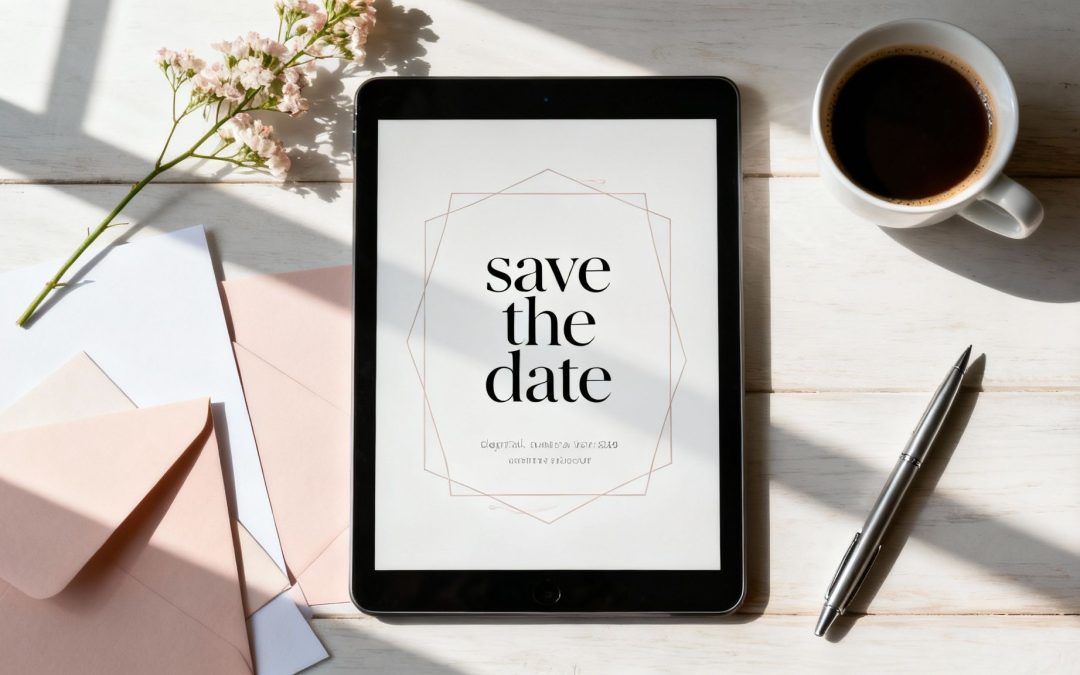
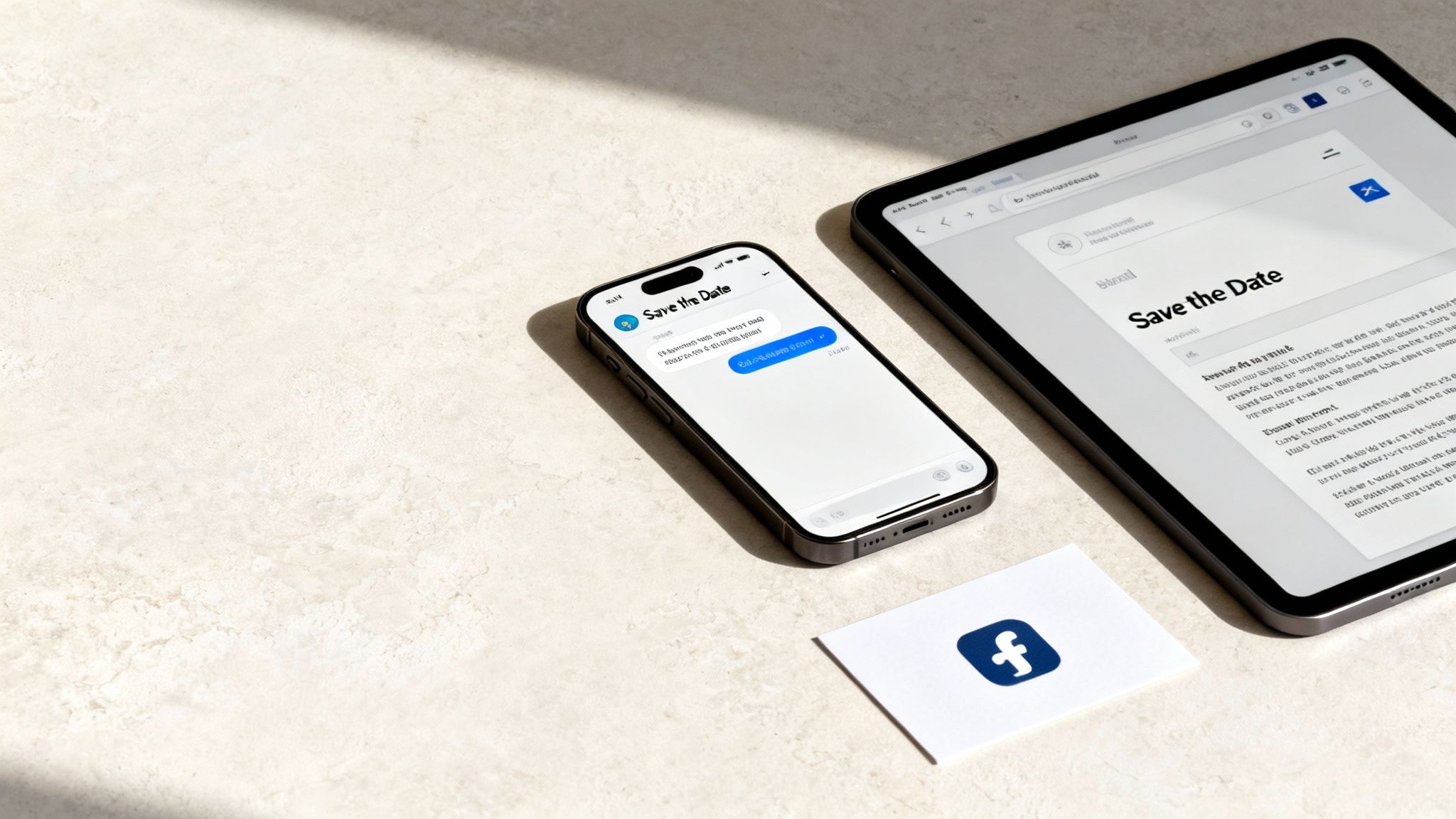
Announcing your big event should be exciting, not a source of stress or a massive expense. That’s where digital save the dates come in. They’re a brilliant, modern way to give your guests a heads-up, letting them know exactly when to mark their calendars without all the usual fuss.
Think of it as an instant, eco-friendly alternative to traditional paper that saves you time, money, and a few headaches right from the get-go.
Why Digital Save the Dates Are a Smarter Choice
Going from paper to pixels isn't just about being trendy; it's a genuinely practical move that simplifies one of the first big steps in your event planning. For modern Aussie hosts, whether you're a couple in Sydney planning a wedding or parents-to-be in Melbourne organising a baby shower, the benefits are impossible to ignore.
Forget the tedious process of collecting addresses, the printing costs, and the endless licking of stamps. A save the date digital card gets delivered instantly via email or message, which means everyone gets the exciting news at the same time. This approach is not only better for the planet but also a huge relief for your budget.
If you're planning a wedding, those early savings are a fantastic start. In fact, we have some other amazing tips to save money on your wedding day that can help keep your budget in check.
Digital vs Traditional Save the Dates at a Glance
Still on the fence? Let's break down the key differences between going digital and sticking with traditional paper invites. This quick comparison makes it easy to see why so many people are making the switch.
Feature
Save the Date Digital
Traditional Paper Invite
Cost
Minimal to none (often free platforms available)
Printing, postage, and stationery costs add up quickly
Delivery Speed
Instant delivery via email or message
Takes days or even weeks via postal service
Eco-Impact
Zero paper waste, completely eco-friendly
Contributes to paper consumption and carbon footprint
Tracking
Easily track opens and clicks in real-time
No way to track delivery or opens without follow-ups
Interactivity
Can include direct links to websites or registries
Static information; no clickable elements
Updates
Quick and easy to send updates to all guests
Requires reprinting and resending, incurring more costs
As you can see, digital save the dates offer a level of convenience and efficiency that paper just can't match, making them a clear winner for modern event planning.
Effortless Management and Guest Convenience
Beyond the savings, digital announcements are just so much more convenient. You can actually see who has opened your message, which gives you a rough early headcount and helps you spot any incorrect contact details straight away. It’s a world away from waiting for an invitation to be returned to sender.
Many of the platforms you can use also let you link directly to your event website or your EasyRegistry page. This makes it incredibly simple for your guests to find all the important details in one spot, keeping your communication streamlined and their inboxes clutter-free.
Reaching Your Guests Where They Are
Worried that some of your guests aren't tech-savvy? These days, that’s less of a concern than you might think. Australia is one of the most connected countries in the world, with 97.1% of the population online and an astonishing 97.5% smartphone ownership rate.
You can send your digital announcements with confidence, knowing the message will land right in your guests' hands.
A digital save the date meets your guests on the platforms they use every single day. It’s not just about saving paper; it’s about making your announcement more accessible, interactive, and easier for everyone to manage.
Navigating Digital Etiquette and Timing
Your save-the-date is the very first glimpse your guests get into your wedding day. It’s their first official heads-up, and it really sets the tone for what’s to come. Nailing the timing is key—you want to give everyone plenty of notice, but not so much that it slips their mind.
The sweet spot for sending a digital save-the-date for a wedding is generally 6 to 12 months out.
If you’re planning a destination wedding where guests need to book flights and sort out accommodation, you’ll definitely want to lean towards the 12-month mark. This gives your loved ones the time they need to budget, request leave from work, and make all their travel arrangements without feeling rushed. For a local wedding, 6 to 8 months is usually plenty of time.
What About Other Big Events?
Of course, not every celebration needs a year-long runway. For other milestones, the timelines are a bit shorter, but getting it right is just as important.
Milestone Birthdays: Aim for 6 to 8 weeks in advance. That’s enough time for people to clear their calendars and find the perfect gift.
Baby Showers: The ideal window is around 4 to 6 weeks before the event. It keeps the excitement fresh while giving guests time to shop and plan.
Engagement Parties: These often come together pretty quickly after the big question. Sending a digital notice 3 to 4 weeks ahead of time is completely fine.
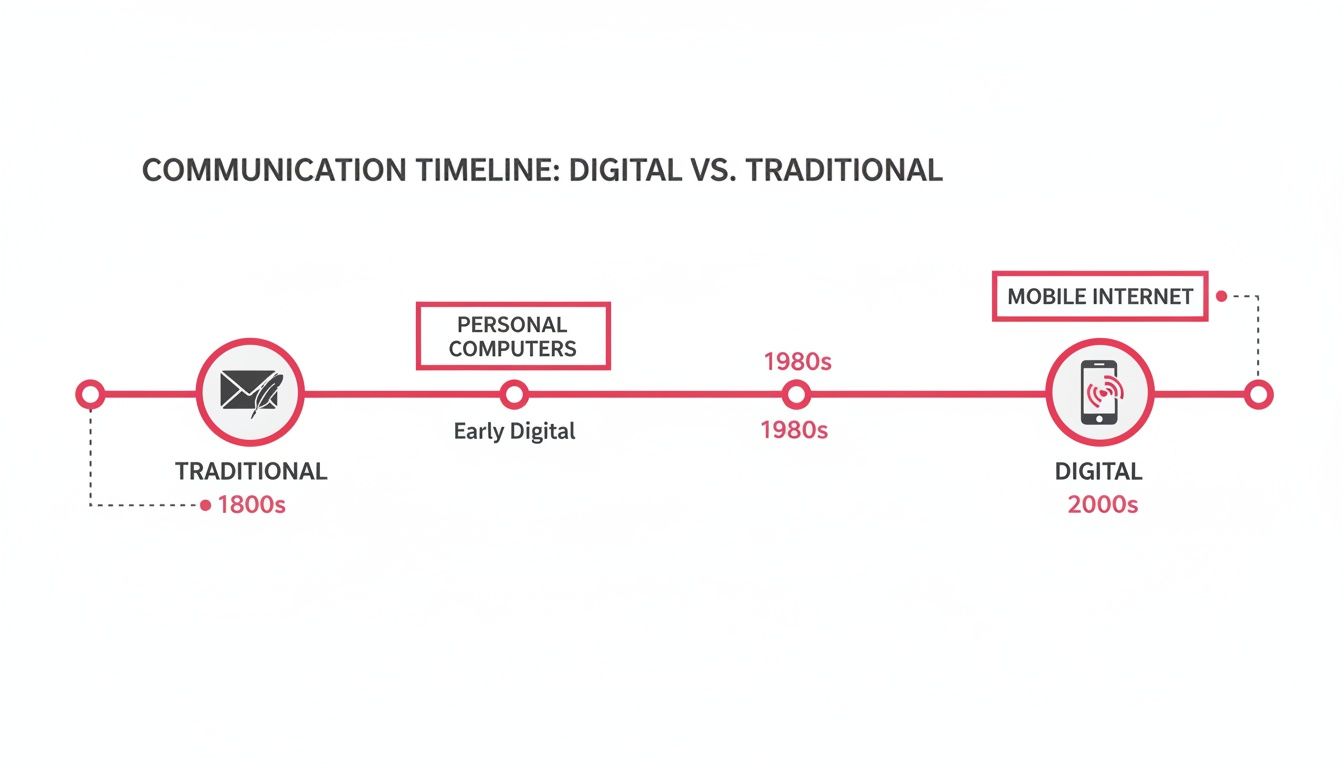
As you can see, digital communication has really changed the game, giving us much more flexibility compared to the old days of snail mail.
Whether you’re a super-organised planner or pulling together a more last-minute affair, going digital just makes sense.
Who Gets a Save-the-Date?
The rule here is simple and non-negotiable: if they get a save-the-date, they must get an invitation.
Sending a save-the-date isn't just a heads-up; it's a promise that a formal invitation is on its way. It's much better to leave a "maybe" guest off the initial list than to send them a save-the-date and then not follow through with an invite. That’s a recipe for awkwardness and hurt feelings.
Think of your save-the-date list as the first draft of your final guest list. Every single person on it should also receive a formal invitation, no exceptions.
Don’t have everyone’s email address or mobile number? No stress. This is actually a great chance to connect with people personally.
Just send a quick, friendly message to gather the details you need. Something like, "Hey! We're so excited to be sending out our digital save-the-dates for the wedding and can't wait to celebrate with you. What’s the best email for us to send it to?" works perfectly. It’s casual, direct, and keeps the whole process feeling personal and exciting.
Designing a Digital Card That Captures Your Style
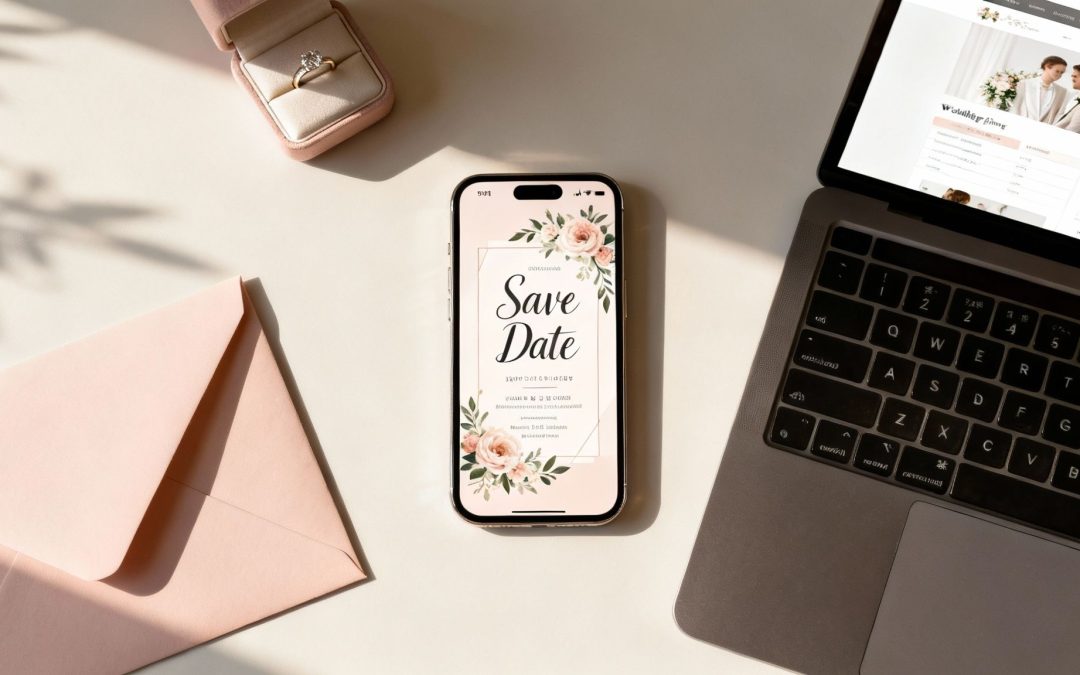
Your save-the-date is the very first glimpse your guests get of your upcoming celebration. Think of it as the opening scene of your event’s story—it’s more than just a date on a calendar; it sets the tone for everything to come. Nailing a save the date digital card that genuinely reflects your style is your first, and best, chance to make a brilliant impression.
This initial announcement needs to feel like a natural extension of your event's theme. If you're planning a rustic country wedding, you'll probably lean towards earthy tones, natural textures, and elegant script fonts. On the other hand, a modern inner-city baby shower might call for bold colours, clean lines, and minimalist graphics. The goal is to create a visual preview that feels authentic to you and the day you're planning.
Finding Your Visual Voice
The good news is you don’t need to be a graphic designer to create something beautiful. Platforms like Canva and Paperless Post are brimming with templates that offer a fantastic starting point. These tools let you tweak and customise every element until it feels just right.
Let's break down the core components of your design:
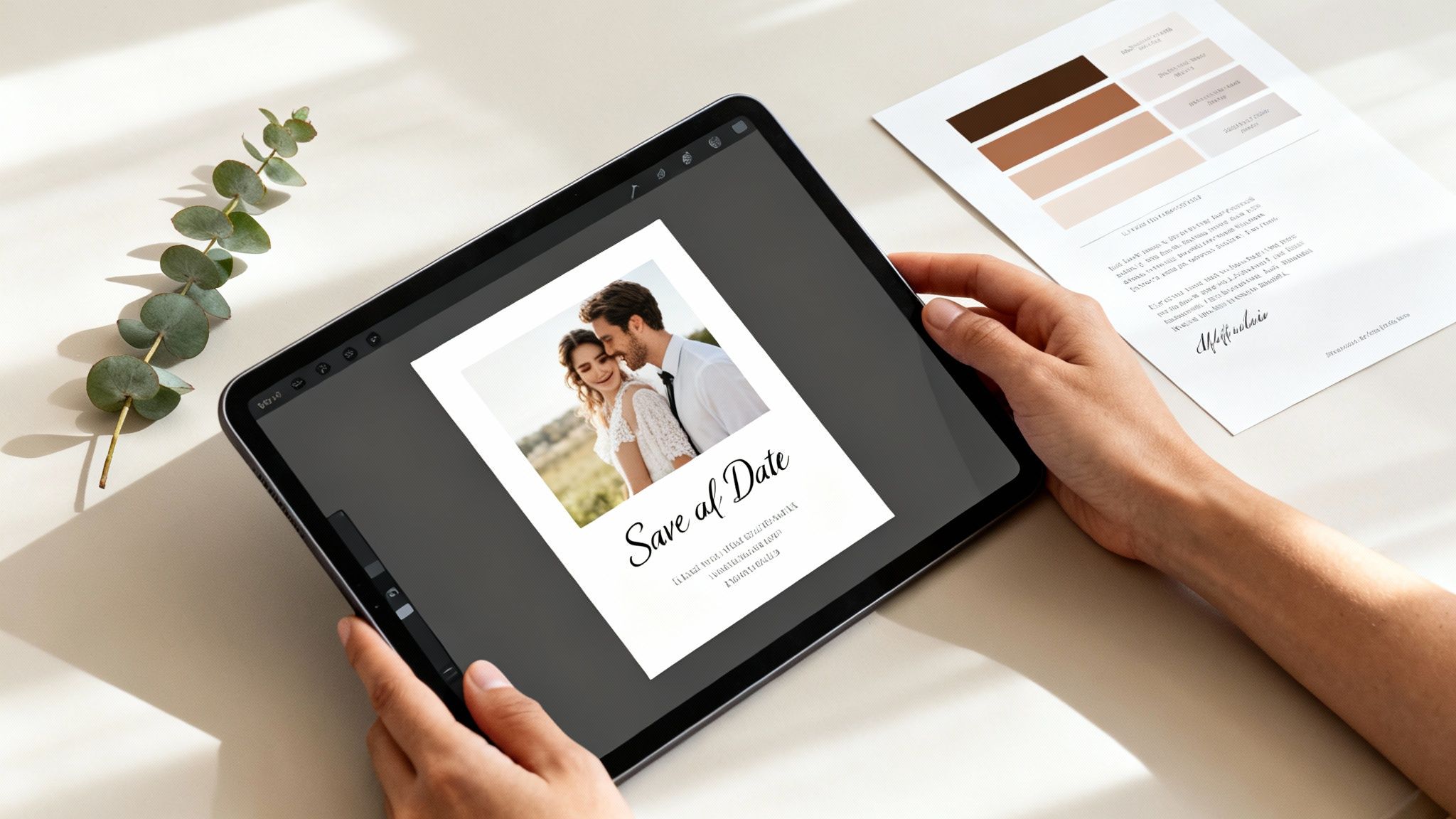
Photography: If you’re including a photo—maybe from an engagement shoot or a candid family snap—make sure it’s high-resolution. A blurry image is the first thing people notice, so pick a crisp, clear shot that really shows off your personality.
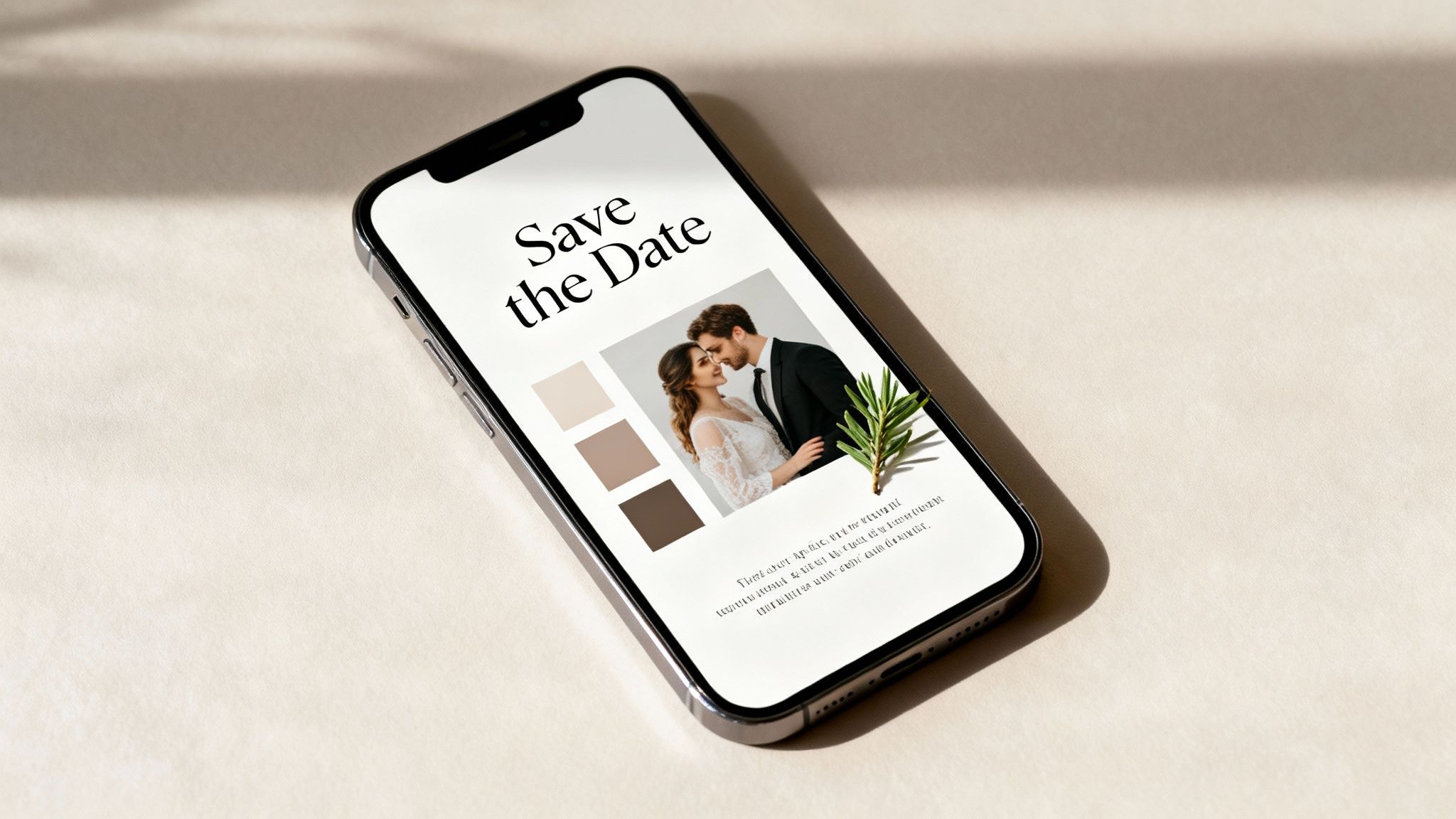
Colour Palette: Try to stick to two or three complementary colours. This creates a polished, intentional look. A great trick is to pull these colours directly from your chosen photo or your event's theme to ensure everything ties together seamlessly.
Typography: The fonts you choose say a lot. A classic serif font can feel formal and traditional, while a playful sans-serif font is more casual and contemporary. The golden rule? Readability. Make sure the names and date are crystal clear on any screen size.
For anyone creating save-the-dates for their big day, looking through a dedicated wedding collection stationery can spark some amazing ideas that you can easily adapt for a digital format.
Assembling the Perfect Card
Once you have your core elements sorted, it’s time to bring them all together. You're aiming for that sweet spot that balances essential information with visual appeal, creating a design that’s both helpful and genuinely delightful to receive.
A great digital save-the-date doesn't just inform; it excites. It’s your chance to make guests feel like they're being invited to something truly special, long before the formal invitation arrives.
Why not add a subtle animation or a GIF for an extra touch of personality? A gentle shimmer on the text or a short, looping video can make your announcement feel much more dynamic and memorable. Many design platforms have these features built-in, so it’s easy to add a bit of flair without overcomplicating things.
Ultimately, your digital save-the-date should be a reflection of you. Have fun with it, play around with different layouts and styles, and land on something you’re genuinely excited to share. That enthusiasm will absolutely shine through and get your guests counting down the days.
Nailing the Wording for Your Digital Save-the-Date
Once you’ve got a design you love, it’s time to figure out what to say. The wording on your save the date digital card does more than just share information; it sets the whole tone for your event. The trick is to be concise, build excitement, and, above all, be helpful.
At the end of the day, every save-the-date needs to answer four key questions for your guests: who, what, when, and where. Getting these basics right from the start means no confusion, and everyone has what they need to start making plans.
Getting the Core Details Right
No matter what you're celebrating, your message has to be crystal clear. Before you start getting creative with fun phrasing, make sure these fundamental details are front and centre.
Who: State the names of the people being celebrated. Think the happy couple, the birthday person, or the parents-to-be.
What: Announce the type of event. Is it a wedding, a 40th birthday, or a baby shower? Let them know!
When: Give the full date. If you’re planning a multi-day celebration, be sure to list the entire date range.
Where: Mention the city and state (or country, if it's a destination event). You don't need the full venue address just yet—that's what the formal invitation is for.
With those pillars in place, you can start to play with the tone. A formal wedding, for instance, might call for full names and classic wording, whereas a casual birthday party gives you room to be more laid-back and playful.
Wording Examples for Every Vibe
One of the best things about a digital save-the-date is how flexible it is. You can really tailor the language to match the style of your celebration perfectly.
Here are a few ideas to get you started.
For a Formal Wedding
Save the Date for the wedding of Olivia Chen & Liam Smith 14 October 2025 Sydney, New South Wales Formal invitation to follow
For a Casual Birthday Bash
Get Ready to Party! Save the date for Chloe’s 30th Birthday Saturday, 2nd of August 2025 Melbourne, Victoria Invitation with more fun details to follow!
For a Destination Wedding
Pack your bags! We're getting married in paradise. Isabella & Noah 10–12 May 2026 Bali, Indonesia Formal invitation and travel details to follow.
How to Tactfully Include Your EasyRegistry Link
Sharing your gift registry is all about finding the right touch. You want to present it as a helpful piece of information for your guests, not as a demand for presents. From my experience, the best way to do this is to include the link in the body of the email or message you send, rather than on the save-the-date design itself. This keeps your announcement looking clean and frames the registry as a truly optional extra.
Here are a few polite and effective ways to phrase it:
The Helpful Approach: "For those who have asked, we've created a gift registry to make things easier. You can find it here: [Your EasyRegistry Link]"
The 'No Obligation' Tone: "Your presence is the greatest gift of all! However, if you'd like to contribute to our future, our registry can be found here: [Your EasyRegistry Link]"
The Simple & Sweet: "If you’d like to browse our registry, you can find it at the following link: [Your EasyRegistry Link]"
Framing the link this way positions the registry as a convenience for guests, which strikes exactly the right chord. It’s a modern approach that respects traditional etiquette while still giving people the information they’re often looking for.
Choosing Your Platform and Sending with Confidence
You've got a stunning design and the perfect wording ready to go. Now for the exciting part: actually sending your digital save-the-date to your guests! This is where you switch from creator to communicator, and picking the right delivery method is the key to making sure everything goes off without a hitch.
Your choice really comes down to your budget, how much control you want over the final look, and whether you're keen to track who's opened it.
There’s no single ‘best’ way to do this; it’s all about what feels right for you, your event, and your guests. From dedicated online services to a simple, personal message, each approach has its own perks.
Comparing Your Delivery Options
Let's break down the most popular ways couples send their digital announcements. Each one offers a different vibe in terms of formality, tracking, and the overall experience for your guests.
Dedicated E-vite Services: Platforms like Paperless Post or Evite are literally built for this. They handle everything from beautiful templates to guest list management and even track opens for you. They usually have a small cost involved, but you get a really polished, professional result.
Simple Email: This is a fantastic free and direct option. Just attach your save-the-date as a high-quality image to a personal email. It feels intimate and comes straight from you, though you won't get any built-in tracking.
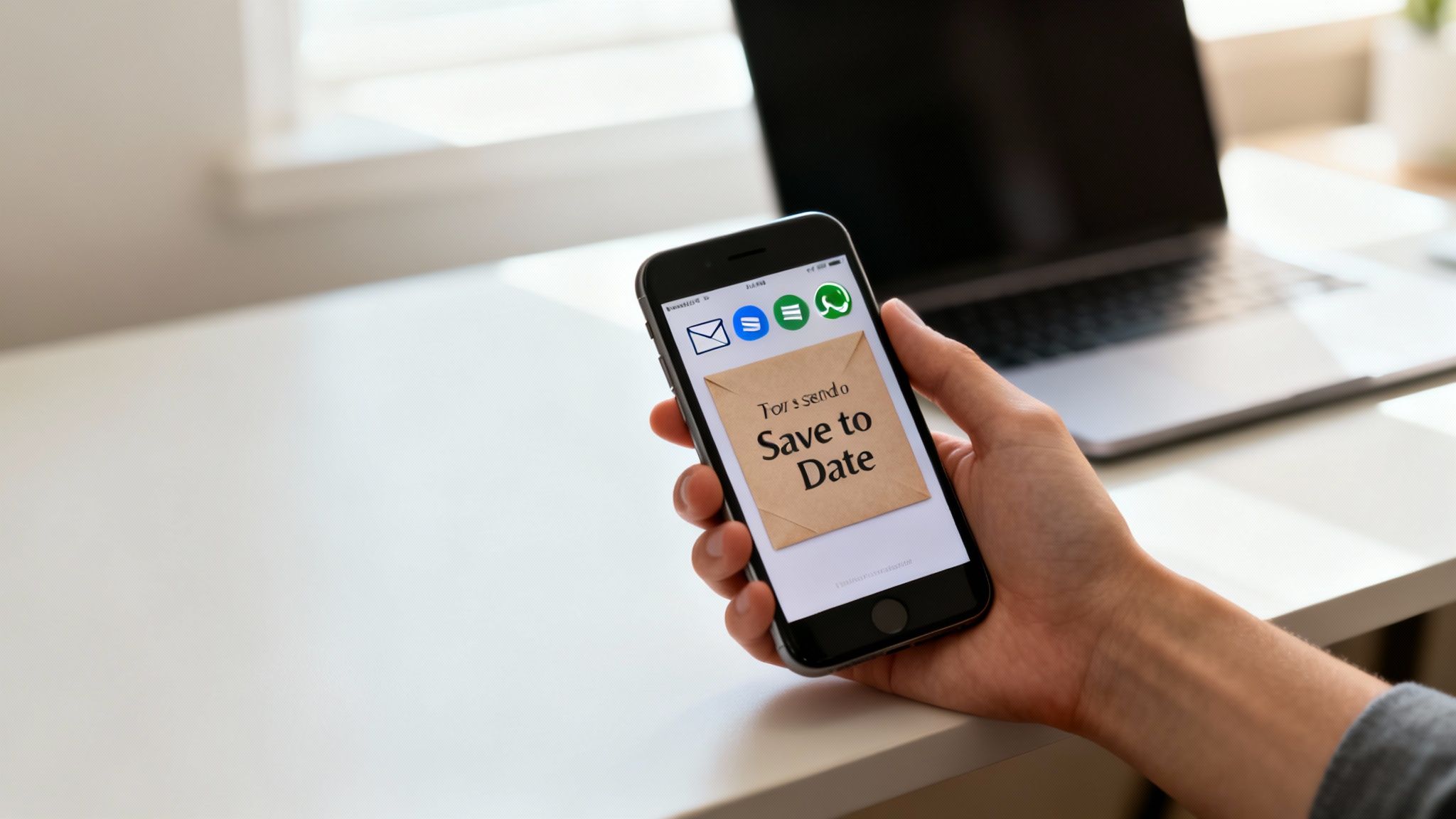
Messaging Apps (SMS/WhatsApp): Got a more casual wedding planned or a particularly tech-savvy guest list? Sending the image via text or WhatsApp is lightning-fast and lands right in their pocket. It’s pretty much a guaranteed way to make sure they see it immediately.
If you're exploring different platforms, it's worth checking out specialised tools like the Saucial app, which is designed specifically for digital event invitations and might have features that are perfect for you.
Technical Tips for a Flawless Send
No matter which platform you go with, a few quick tech checks will ensure every guest gets a great experience. Before you hit that send button, run through this list to sidestep any common issues.
First up, optimise your image file size. A massive file can take ages to load on a phone or, even worse, get flagged by spam filters. As a rule of thumb, try to get the file under 500KB so it arrives quickly and looks brilliant.
Next, do a quick test run. Send your digital save-the-date to yourself and check how it looks on an iPhone, an Android, and a desktop computer. This simple check makes sure your beautiful fonts are easy to read and your photo looks just as good on every screen.
A seamless digital experience reflects the care you've put into your event. Taking a moment to test how your save the date appears on different screens ensures that your first impression is a great one for every single guest.
Finally, think about how this all connects to your gift registry. Let’s be honest, Aussies are very comfortable online. In 2024 alone, a staggering 17.1 million people shopped online, which shows just how much we value digital convenience. Choosing a service that lets you easily link to your gift registry fits right in with this behaviour, making it super simple for guests who want to contribute.
Many couples find the best way to do this is to include the link in the body of the email or message that accompanies the save-the-date. It's tactful and helpful. If you're wondering how guests will interact with it, you can learn more about how EasyRegistry works to get a clear picture of the experience.
Your Digital Save the Date Questions, Answered
Even with a perfect plan, you’re bound to have a few questions. When you’re sending a save the date digital card, you want to get it right. Let's tackle some of the most common queries I hear from couples, so you can move forward with total confidence.
Going digital is a fantastic choice, but it's completely normal to wonder about the little details and etiquette. Let's clear up any lingering doubts.
Is It Okay to Only Send a Digital Save the Date?
Yes, absolutely! These days, sending only a digital save the date is more than just acceptable—it’s actually becoming the standard for many modern couples. It’s a brilliant way to be eco-friendly, save a bit of money for the honeymoon, and get the news out quickly and efficiently.
The key here is to simply know your guests. If you have older relatives, like grandparents, who aren't tech-savvy, a quick, thoughtful phone call or a simple printed note mailed just to them is a beautiful personal touch. For everyone else, a digital card is a modern, convenient solution that lands right where they'll see it.
What if Guests Don’t See My Digital Card?
This is a very common concern, but don’t worry, it’s easy to manage. The best way to start is by using a reliable delivery method. Email is always a solid choice, as it's far less likely to get buried or missed than a message on social media.
Give it a week or two after you’ve hit 'send,' then start some gentle follow-ups. You could casually ask a few close friends or family members if they saw it. If your sending platform has tracking, that's a goldmine of information—you can see exactly who hasn't opened it yet.
For anyone you're still not sure about, a simple text message works wonders. Something friendly and low-key like, "Hey! Just checking you got our save the date for the wedding?" ensures no one misses out.
Your digital save the date is the first official piece of news about your wedding. A friendly follow-up isn't being pushy; it’s just making sure all your favourite people are in the loop from day one.
Can I Track RSVPs with a Digital Save the Date?
Traditionally, a save the date is purely an announcement—it doesn't ask for a formal RSVP. Its main purpose is to give your guests a heads-up so they can circle the date in their calendars and start getting excited.
But this is where digital options really shine. Many platforms let you see who has opened or viewed your card. While this isn't a formal headcount, it gives you an incredibly useful early glimpse into your potential guest numbers. It's also a great way to spot any bounced emails or incorrect phone numbers early on. The real RSVP request will come later with your formal invitations.
For more detailed advice on managing your guest list and everything that comes with it, you can explore other frequently asked questions that cover all sorts of event planning topics.
At EasyRegistry, we make it simple to create and share a beautiful gift registry that perfectly suits your celebration. Start building your dream registry today and give your guests a convenient and thoughtful way to share in your joy. Find out more at https://www.easyregistry.com.au.
So, what exactly is a digital save the date? Think of it as the modern, electronic heads-up you send to your wedding guests, usually through email, to let them know the date and location of your big day. It does the same job as a traditional paper card but comes with a lot more flexibility, instant delivery, and handy features like direct links to your wedding website or gift registry.
Welcome To The Future Of Wedding Announcements
Welcome to the world of digital save the dates – the smart, stylish, and eco-friendly choice for modern couples. This isn’t just about swapping paper for pixels; it’s a whole new way of approaching your wedding planning. Imagine being able to tell all your guests the news instantly, track who has opened your message, and link them straight to your gift registry, all while saving a bit of time and money.
This guide is your complete roadmap to creating a stunning and practical digital announcement that perfectly sets the tone for your celebration. It’s about more than just convenience. It’s about making your wedding planning fit into the connected, tech-savvy world your guests already live in.
The Power of Personalisation
At its heart, a digital save the date is a deeply personal piece of communication. It's your very first chance to share the unique vibe of your wedding with your closest friends and family. This isn't just a mass email; it's a special message designed to build real excitement.
Some of the best parts include:
Instant Connection: Your announcement lands directly in your guests' inboxes, creating an immediate and personal touchpoint.
Creative Freedom: You can go way beyond static text. Think animated graphics, an embedded video of you two, or a beautiful photo gallery that tells your story.
Direct Information: Including clickable links is a game-changer. You can direct guests to your wedding website, accommodation suggestions, or your EasyRegistry, making things so much simpler for everyone involved.
This move towards more personal digital communication for events is part of a bigger trend. If you're interested in the psychology behind it, there's a fantastic ultimate guide to personalized email success that breaks down how to make any digital message feel special and engaging.
A digital save the date turns a simple notification into an interactive experience. It’s the first chapter of your wedding story, delivered instantly and beautifully, inviting guests to join your journey right from the start.
By choosing a digital format, you’re not just sending an alert; you're crafting an experience that truly reflects who you are as a couple.
Why Choose A Digital Save The Date?
Deciding to go with a digital save the date is more than just keeping up with the times; it’s a savvy move that’s kinder to your wallet, your schedule, and the planet. Think of it like swapping a paper street directory for Google Maps. Sure, both can get you where you’re going, but one is instant, interactive, and full of live information.
This simple switch sidesteps so many of the usual logistical headaches. Forget spending weeks addressing envelopes, sticking on stamps, and then hoping for the best with the post. With a digital announcement, your news lands in everyone's inbox in a matter of seconds. That speed is a game-changer, especially if you’re planning a destination wedding or have guests who need a good amount of lead time to book flights and hotels.
The first place you’ll notice the difference is your wedding budget. The cost of traditional paper save the dates adds up surprisingly fast when you tally up the design, quality printing, envelopes, and postage for every household. Going digital makes those expenses all but vanish, freeing up cash for other, more exciting parts of your big day.
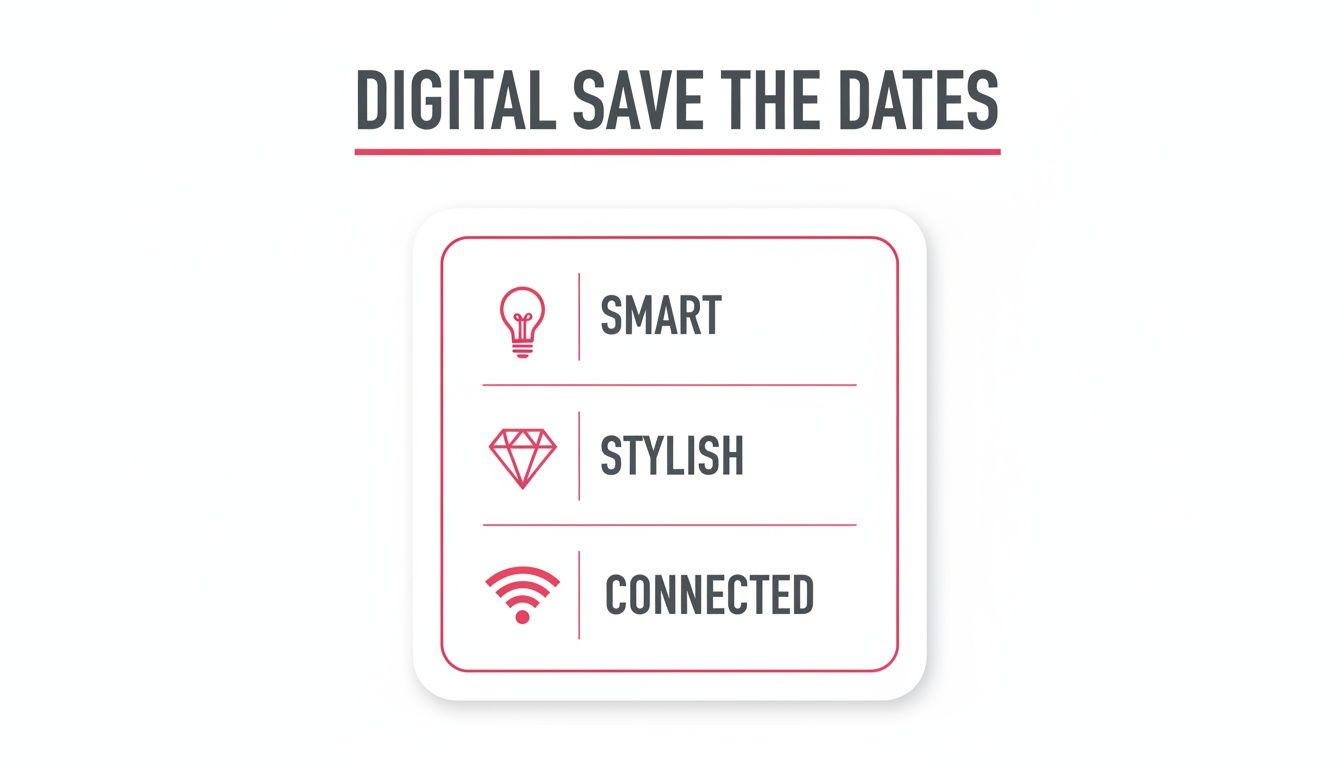
A Smart, Stylish, And Connected Choice
Going digital is all about being efficient without giving up on style. These days, online platforms offer gorgeous, customisable templates that look just as beautiful as the most high-end paper stationery. But you also get a whole host of powerful features a printed card just can’t compete with, turning a simple heads-up into a genuinely interactive experience for your guests.
This is all about making a choice that’s smart, looks great, and keeps everyone in the loop.
As you can see, the digital format really is an all-in-one solution that brings together clever planning tools, elegant design, and effortless communication with your guests—a perfect fit for our modern, connected lives.
Digital Save The Dates vs Traditional Paper Cards
So, how do the two options really stack up against each other? It helps to see them side-by-side to understand where the real differences lie.
Feature
Digital Save The Date
Traditional Paper Card
Cost
Significantly lower. Often free or a small one-time fee. No printing or postage costs.
Higher. Costs include design, printing, card stock, envelopes, and postage per guest.
Delivery Speed
Instant. Reaches all guests' inboxes in minutes.
Slow. Can take several days or even weeks to arrive via postal service.
Tracking
Built-in. You can see who has opened your email and clicked links.
None. No way to know if it's been received unless a guest tells you.
Interactivity
High. Can include direct links to your wedding website, registry, or hotel blocks.
None. Static information printed on a card. Guests must manually search for details online.
Customisation
Highly flexible. Easy to change designs, fonts, colours, and add photos or videos.
Limited. Changes often require a redesign and reprint, incurring extra costs.
Updates
Simple. If details change, you can send an update email to everyone instantly.
Difficult. Requires reprinting and resending new cards, which is costly and slow.
Eco-Friendliness
Very high. A paperless option that reduces your wedding's carbon footprint.
Low. Contributes to paper waste and carbon emissions from production and delivery.
Ultimately, while paper cards offer a tangible keepsake, digital options provide a level of convenience, speed, and functionality that traditional methods simply can't match.
Unmatched Convenience And Tracking
One of the biggest wins for digital save the dates is knowing what happens after you click ‘send’. Most online platforms give you delivery reports and open tracking. That means you can see exactly who has received and read your announcement, taking all the "I wonder if they got it?" guesswork out of the equation. No more chasing people up.
This convenience is a two-way street. Your guests will love it, too. With a single click, they can jump straight to your wedding website, check out your recommended accommodation, or have a look at your EasyRegistry. All the crucial info is in one tidy, easy-to-find spot they can pull up on their phone or computer whenever they need it.
A Greener Choice For Your Big Day
Choosing a digital save the date also says something about your values. By skipping the paper, you’re making a real dent in your wedding's carbon footprint. You’re saving trees, reducing the waste that comes from discarded envelopes and cards, and cutting out the carbon emissions tied to mail delivery.
It’s a small decision that makes a big, positive impact, letting your celebration reflect a more conscious and sustainable approach.
A digital save the date offers more than just convenience; it provides clarity. Knowing in real-time that your announcement has reached everyone on your list brings invaluable peace of mind during the hectic planning process.
This move to digital communication makes perfect sense in Australia. In 2023, the country had 25.31 million internet users, which is a staggering 96.2% penetration rate. With almost everyone online, a digital announcement is simply the most practical way to reach your guests right where they are. You can dive deeper into these trends by checking out this comprehensive report on DataReportal.
A Guide to Digital Save The Date Etiquette
Going digital with your wedding announcements is a smart, modern move, but it does come with its own set of guidelines. Just like with traditional paper stationery, a bit of thoughtfulness ensures your message lands with the grace and excitement you intended. This isn't about following stuffy old rules; it's simply about clear, considerate communication.
The purpose is exactly the same whether it's printed on cardstock or pixels on a screen: give your favourite people a friendly heads-up so they can circle the date. The trick is to make your digital version feel just as special and intentional as its classic counterpart.
Who Should Get a Digital Save The Date?
This is one of the golden rules of wedding planning, and it absolutely applies here. Only send a save the date to guests you are 100% certain you will be inviting to the actual wedding.
Think of it as the official opening act for your formal invitation. Sending one to someone who doesn't make the final guest list is a recipe for hurt feelings and confusion. It’s always better to start with a definite 'yes' list and add more people later if space or your budget opens up, rather than the other way around.
A save the date, digital or not, is a promise. It tells your guests, "You're on our A-list, and we can't imagine this day without you." Treat your send list with that level of commitment.
Getting this right from the start saves you from potentially awkward conversations down the track and makes every guest feel truly wanted.
The Perfect Timing for Your Announcement
When it comes to save the dates, timing really is everything. Send them too early and they might get forgotten; send them too late and you defeat the whole purpose of giving people advance notice. The sweet spot depends entirely on your wedding plans.
For Destination Weddings: You'll want to send these out 8 to 12 months ahead of time. This gives everyone plenty of time to look into flights, book a great place to stay, arrange time off work, and budget accordingly.
For Local Weddings: The ideal window is 4 to 8 months before the big day. This is more than enough notice for people to clear their calendars without the announcement getting buried in their inbox.
Sticking to these timeframes is a simple courtesy that shows you’re thinking about your guests' schedules and preparations.
What About Less Tech-Savvy Guests?
While most of your friends and family will have no problem with an email, it's crucial to think about those who aren't always online. You don't want your grandparents or less-connected friends to miss out. The best solution is a hybrid approach.
For the vast majority, a stylish email will work perfectly. For the few who might not see it, you’ve got a couple of wonderful options:
A Personal Phone Call: There's nothing quite like a warm, personal call to share your exciting news. It's direct, heartfelt, and you know they've gotten the message.
A Small Batch of Printed Cards: You don't have to give up on paper completely! Printing a small number of cards just for those specific guests is an affordable and thoughtful way to make sure everyone is included.
This considerate strategy ensures no one feels left out. Many couples run into the same questions about digital etiquette, and if you’re looking for more quick answers, you can often find great advice in a detailed wedding registry FAQ that tackles common guest queries.
By carefully managing who you send to, timing it just right, and making special arrangements for certain guests, your digital save the date will set a welcoming and inclusive tone for your entire celebration.
How To Write Your Digital Save The Date
Getting the wording right for your digital save the date is all about capturing the vibe of your big day. Think of it less like a set of rigid rules and more like a chance to show off your personality as a couple. This is your first official wedding announcement, so let's make it a good one.
Your save the date is like a friendly handshake, giving everyone a little taste of what's to come. Whether you're planning a glamorous black-tie affair or a chilled-out backyard party, the essentials are pretty much the same.
The Must-Have Information
First things first, every save the date needs to answer a few basic questions. Before you get creative with fun fonts or photos, make sure you've nailed these four key details.
Who: Your names, front and centre.
What: A simple, clear announcement like "Save the Date" or "We're Getting Married!"
When: The full date of your wedding—day, month, and year.
Where: The city and state (or country, if it's a destination wedding). You don't need to lock in the exact venue just yet, but giving guests a location is crucial for their planning.
And one more thing: always add a little note like "Formal invitation to follow." It’s a small detail that perfectly manages expectations and stops anyone from thinking this is the one and only invitation they'll get.
Finding Your Perfect Tone With Wording Examples
The words you choose set the entire mood. Are you a fun and informal couple, or more classic and elegant? Let your wording reflect the kind of celebration you're planning. Keeping the tone consistent helps guests know exactly what to expect and what to get excited about.
Here are a few ideas to get you started, from the traditional to the totally laid-back.
Formal and Classic
For a more traditional event, your language should be elegant and to the point. This style is perfect for formal church weddings or sophisticated receptions.
Save the Date For the Wedding of Amelia Rose Bennett and Oliver James Reid 14th of October, 2026 Sydney, New South Wales Formal Invitation to Follow
Casual and Fun
If your wedding is going to be a relaxed affair, your wording can be much more playful and conversational. Think beach weddings, backyard parties, or rustic barn celebrations.
She said yes! Chloe & Liam are tying the knot! 22.03.2027 Byron Bay, NSW Get ready to celebrate! Invitation to follow.
Destination Wedding
When you're asking guests to travel, it’s a great idea to build some excitement for the trip. The wording can feel a bit more adventurous while still being super informative.
Pack your bags! We're getting married in paradise. Please save the date for the wedding of Sophie and Noah 05.07.2026 Queenstown, New Zealand More details on travel and our wedding website to follow.
How to Include Your EasyRegistry Link
One of the best perks of a digital save the date is being able to share important links right away. Popping your EasyRegistry link in there is a game-changer for guests who love to get organised early. The trick is to present it as a helpful resource, not as a demand for gifts.
Here’s a sneak peek at the clean, simple interface your guests will see.
It’s all about phrasing it naturally. Here are a few graceful ways to introduce your registry link:
"For more details about our special day and to view our gift registry, please visit our wedding website: [link]"
"We’ve put together a wedding website to share all the important details in one place. You can also find our registry there: [link]"
"Your presence is the only gift we need, but if you'd like to contribute, our registry is with EasyRegistry here: [link]"
This approach makes the registry feel like just one convenient part of your wedding website. It puts everything your guests need—from venue info to gift ideas—in one easy-to-find spot, right from the very first announcement.
A Step-By-Step Guide To Creating And Sending
Bringing your digital save the date to life is one of the first really exciting moments in your wedding planning. It might feel like there are a lot of moving parts, but trust me, breaking it down into simple, manageable steps makes it an absolute breeze. This guide will walk you through everything, from picking a design you love to hitting that send button with total confidence.
Think of it like putting together a beautiful piece of flat-pack furniture. It can look a bit intimidating at first, but once you have the instructions and the right tools, it all comes together perfectly. Let’s get started.
Step 1: Choose Your Platform And Design
First things first, you need to decide where you’re going to create your announcement. There are countless online platforms out there, each offering a different mix of templates and features. Some are free and cover the basics beautifully, while others offer premium designs and more advanced tools for a small fee.
When you're weighing up your options, think about these things:
Ease of Use: Is the editor intuitive? You want to be able to upload photos and change text without a headache.
Design Quality: Do the templates actually match your wedding vibe? Look for designs that reflect your personal style, whether that’s modern and minimal, rustic chic, or timelessly classic.
Customisation Options: How much can you really make it your own? Check if you can tweak colours, fonts, and the layout.
Delivery Features: Does the platform handle the emailing for you? Even better, does it offer open tracking so you can see who has seen it?
Once you’ve settled on a platform, it’s time to dive into the templates. Find one that speaks to you and your partner, and use it as the creative foundation for your announcement. This is your first chance to really set the visual tone for the whole wedding.
Step 2: Personalise Your Announcement
Now for the really fun part: making the design your own. This is where you get to inject your personalities into the template you’ve chosen. Start by uploading a fantastic, high-quality photo of you and your partner—a snap from your engagement shoot usually works perfectly here. A great photo instantly makes the whole thing feel more personal and engaging.
Next, get your essential details in there: your names, the wedding date, and the city or town where it’s all happening. Have a play around with the fonts and colour palette to make sure everything lines up with your overall wedding theme. If you’re planning a beach wedding, you might lean into blues and sandy tones. For a formal, black-tie event, you can’t go wrong with classic black and gold.
For an extra touch of flair, many couples are now creating animated or video save the dates. To craft a beautiful announcement without the fuss, consider using a dedicated Save The Date Video Maker which can help bring your vision to life.
Step 3: Compile Your Guest List
Before you can send your masterpiece out into the world, you need to know who it’s going to. It's time to compile a master list of your guests' names and, crucially, their email addresses. A simple spreadsheet is your best friend for this task.
Pro Tip: Go through and double-check every single email address for typos. A single incorrect letter means your save the date will bounce, and it’s a detail that’s easy to miss. It’s always a good idea to send a test to yourself first to make sure everything looks right and the links work.
This is also the perfect time to confirm you have the right contact info for everyone. Chasing up a missing email from a mutual friend now is so much easier than when you're under pressure to send the formal invitations later on. Getting your list organised now will save you a massive headache down the track.
Step 4: Schedule Your Send
With your design finalised and your email list triple-checked, the final step is to get it sent. But a word of advice: timing matters. To make sure as many people as possible see your announcement straight away, try to avoid sending it late on a Friday or over the weekend, when inboxes tend to get ignored.
The sweet spot for sending is typically mid-morning during the week, like a Tuesday or Wednesday. This is prime time when most people are at their desks and actively checking their emails. Many platforms even let you schedule the send in advance, so you can set it and forget it.
Finally, don’t forget that your digital save the date is the perfect place to link to your wedding website. This is where guests can find more details and, importantly, access your gift registry. Explaining how it works to integrate a registry is straightforward and gives your guests a seamless experience from their very first click.
Seamlessly Integrating Your Gift Registry
Your digital save the date is so much more than a simple announcement. Think of it as the first step in creating a central hub for your guests. By including a link to your gift registry right from the get-go, you’re not just giving them a heads-up; you’re handing them an incredibly useful resource that makes life easier for everyone.
It’s like giving your guests a master key to all your wedding information. Instead of them having to hunt for details down the track, you’re pointing them to a single, clear destination for your wedding website and registry. This one small touch sets a tone of thoughtful organisation and makes the whole experience feel smooth and effortless.
The benefits start rolling in for you almost immediately, as you can begin tracking contributions and reading lovely messages from your friends and family. And for your guests? No more guesswork. All the essential details—from the date and location to your gifting preferences—are neatly bundled together in one handy digital spot.
Why Early Integration Works So Well
Introducing your registry this early just makes sense. People are already so used to living and shopping online that clicking a link to view a gift list feels completely normal. It sidesteps any potential awkwardness around gift-giving by framing it as helpful information rather than a direct ask.
This approach is especially effective in Australia, where online shopping is a way of life. With 17.1 million online shoppers spending a massive $37.1 billion, it's clear that Aussies are comfortable with digital transactions. By adding your registry link to your digital save the date, you're tapping into a familiar habit, making it super simple for guests to celebrate with you from day one. You can find out more on this trend with these additional social media statistics from Meltwater.
A well-integrated registry link transforms your save the date from a static announcement into an interactive portal. It empowers your guests with all the information they need, right when they are most excited about your news.
This forward-thinking approach means guests who love to plan ahead can do so without any hassle, and you get a clearer picture of your incredible support network from the very beginning.
Best Practices for Including Your Link
The trick to including your registry link is to do it with a bit of grace. You want it to feel like a helpful extra, not the main event. Here’s how to get the tone just right in your digital announcement.
Embed It in Your Wedding Website: The absolute best way to do this is to direct guests to a wedding website. The registry can then sit alongside other useful info like travel details and your story, which feels much more organic.
Use Clear, Unfussy Language: Keep it simple. Something like, "For more details about our day, including our gift registry, please visit our wedding website" is polite, direct, and gets the message across perfectly.
Make the Link Obvious: Don’t make them search for it! Use a clear button or a highlighted hyperlink with descriptive text, such as "Visit Our Wedding Website & Registry."
Following these simple steps will help you guide your guests effortlessly. If you’re just starting to think about your registry, our guide on creating the perfect wedding gift registry is packed with tips and inspiration to help you build a list that truly reflects what you want and need as a couple.
Common Questions About Digital Save The Dates
Thinking about going digital with your save the dates? It’s a smart move, but it’s totally normal to have a few questions pop up. After all, it’s a more modern take on a long-standing tradition, so you want to get it right. Let's tackle some of the most common queries so you can feel 100% confident about your choice.
We'll clear up those lingering "what ifs" with straightforward answers, from worrying about formality to making sure every single one of your guests feels included.
Are Digital Save The Dates Tacky Or Informal?
Not at all! Honestly, in this day and age, a digital save the date is just seen as a savvy, efficient, and wonderfully eco-friendly option. The formality isn't about the medium; it's all about how you present it.
Think about it: a stunning digital design with elegant fonts and a gorgeous photo of you both can feel every bit as special and thoughtful as a paper card. It really all comes down to the execution.
How Do I Include Guests Who Aren't Tech-Savvy?
This is such a considerate and important question. The perfect solution is a simple hybrid approach that guarantees no one misses out. Send your beautiful digital save the dates to the majority of your guests who live online.
For older relatives or anyone you know isn't glued to their email, a personal touch is key. You could try:
Giving them a warm, excited phone call to share the news directly.
Printing a small handful of paper cards just for those few people.
This way, everyone feels included and valued right from the very start.
Your save the date really sets the tone for your wedding. Taking that extra step for your less tech-savvy guests shows you care about every single person you’re inviting, making them feel cherished from day one.
Can I Track RSVPs With A Digital Save The Date?
While the main job of a save the date is just to get the date in people's diaries—not to collect formal RSVPs—the digital format has a pretty neat advantage here. Most online platforms come with delivery and open tracking.
This means you can actually see who has opened your email or clicked through to your wedding website. It's not an official RSVP, of course, but it gives you some valuable early insight into who’s seen the news. You get a rough headcount in your mind long before the formal invitations are even designed.
Ready to create a beautiful announcement that’s also completely effortless? With EasyRegistry, you can design a stunning digital save the date and seamlessly integrate your gift registry from the very beginning. Start your free registry today!
Digital save-the-dates are your first official nod to your guests that you're getting married. Think of them as the modern, eco-friendly cousin of the traditional paper card, sent straight to your guests' inboxes or phones to give them a heads-up and get them excited. For so many couples, it’s the perfect blend of convenience, creativity, and practicality.
Why Modern Australian Couples Love Digital Save the Dates
Let's be real—planning a wedding involves a mountain of logistics, spreadsheets, and decisions. It's no surprise that Aussie couples are looking for smart ways to simplify the process, and sending a digital save-the-date is one of the easiest first steps. This isn't just about saving money on postage; it's a savvy move that fits perfectly with our busy, modern lives.
Imagine hitting 'send' and knowing your announcement has instantly landed with friends and family, whether they're just down the road in Melbourne or halfway across the world. No nail-biting waits for Australia Post, no wondering if a card got lost in transit. It’s just fast, reliable, and gets the job done, which is a massive win when you have guests needing to book flights and accommodation.
More Than Just a Time-Saver
While the speed and cost savings are obvious perks, going digital is also a chance to get creative. You’re not stuck with the standard dimensions of a printed card. Instead, you can design something that truly reflects who you are as a couple.
Here’s why it works so well:
A Greener Choice: For many couples, minimising environmental impact is a big priority. A paperless announcement is a simple way to reduce waste and kick off your wedding planning with a sustainable mindset.
Everything in One Place: Digital invites link up beautifully with your other online planning tools. You can pop in a link straight to your wedding website, where guests can find all the juicy details, travel info, and even jump over to your EasyRegistry page.
Endless Creative Freedom: Want to include a cute animated GIF or a short video message? Go for it! Digital formats let you create an announcement that truly captures the energy and style of your big day.
A Smart Choice for a Connected Nation
Let's face it, we're a connected country. With Australia's online population expected to hit 97.1% in 2025, you can feel confident that almost everyone on your guest list will receive your digital save-the-date without a hitch. It means your announcement isn't just stylish, but also super accessible for your loved ones, making the whole experience smoother for you and them. If you're curious, you can discover more about Australia's online trends and how they're shaping event planning.
The real magic of a digital save-the-date is its simplicity. It cuts out the fuss and lets you focus on the excitement of the announcement, all while giving your guests an easy, modern experience right from the start.
Getting Your Timeline and Guest List Sorted
Before you even think about designs, colours, or that perfect engagement photo, there are two crucial things you need to lock down: your timeline and your guest list. Getting this groundwork done first will save you a world of headaches later and make the whole process feel much more manageable.
Think of it this way: the timing of your save-the-date is the first real hint your guests get about your wedding. For a wedding where most guests are local, sending your digital notice 6–12 months in advance is a pretty safe bet. It’s the sweet spot that gives them plenty of warning without it being so far off they forget.
When to Send for Different Kinds of Weddings
Of course, not all weddings are created equal. You'll want to adjust your timing based on how much effort your guests need to put in to be there.
Destination Weddings: For these, you absolutely want to aim for 8–12 months out. This gives everyone enough breathing room to scout for flights, book places to stay, and get their leave from work approved.
Holiday Weekend Weddings: If you’ve picked a long weekend or a popular holiday, sending your save-the-date closer to 12 months in advance is a really thoughtful move. It lets your guests book travel and accommodation before prices go through the roof.
Local Weddings: Sticking to a 4–6 month timeline is perfectly fine here. Your local mates and family will have more than enough time to pop it on the calendar.
The golden rule is simple: the more planning your guests have to do, the more notice you should give them. A well-timed save-the-date shows you're thinking of them and makes it more likely they'll be able to celebrate with you.
Finalise Your Guest List Before You Click Send
I know it's tempting to jump straight into the fun design part, but you absolutely must have your final guest list sorted before a single save-the-date goes out. Why? Because a save-the-date is a promise. It's an official heads-up that a formal invitation is coming their way, and you can’t really take that back without things getting awkward.
Your best friend here is a simple spreadsheet. Create columns for first names, last names, emails, and phone numbers. This little document will become your command centre for everything that follows—from the actual invitations to tracking RSVPs and eventually sending thank-you cards.
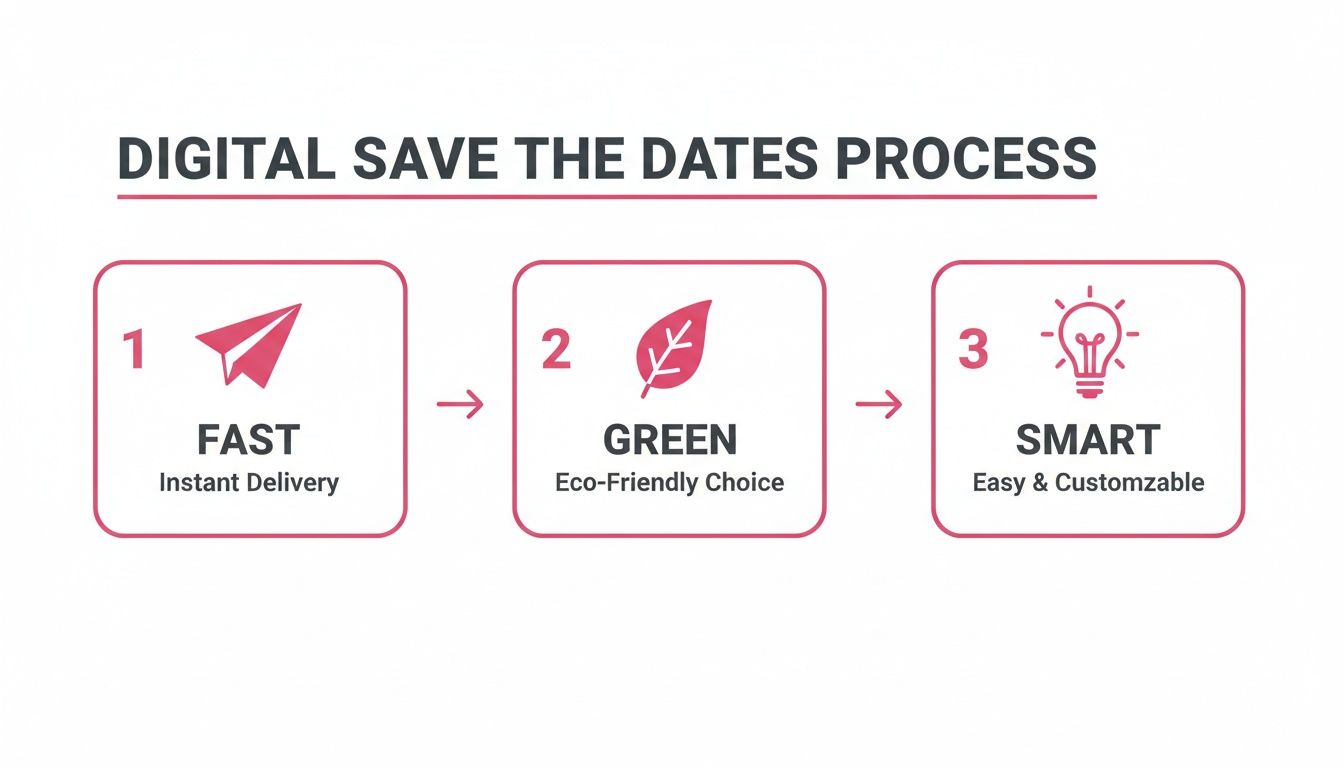
This is all about making the process fast, green, and smart from the very beginning.
Going digital isn't just about convenience; it's an eco-conscious and efficient way to kick off your wedding communications.
How to Gather Contact Info Without Being Awkward
Now for the part that can feel a bit like detective work: collecting everyone's contact details. For your closest friends and family, a quick text will do the trick. For others, a slightly more organised approach works wonders.
Try sending a friendly, low-pressure message. Something like: "Hey [Name]! We're starting to get our wedding plans in order and would love to send you a save the date. Could you flick me your best email address when you get a chance?"
One last tip: be crystal clear about who is invited. Address your messages and emails to the specific people, like "Aunty Carol and Uncle Bob" or "Sarah and Tom," to avoid any confusion about plus-ones or kids. That kind of clarity is a gift to your guests. By laying this foundation, you’re not just sending an announcement; you're building a system that will simplify your entire wedding planning journey. It's also the perfect time to explore how an online registry can integrate seamlessly into your plans.
Crafting Your Message and Including Key Details
Once your guest list is sorted and the timeline is locked in, you get to move on to the fun part: writing the actual save-the-date. Don't underestimate the power of your words here! This message is the very first glimpse your guests will get into the style and vibe of your wedding.
Think of it as the trailer for your big day. Is it going to be a formal, black-tie affair? Or are you planning a relaxed, barefoot ceremony on the beach? The tone you set now gives everyone a hint of what's to come, building excitement and helping them prepare.
The main job is simple: announce your names, the date, and the general location. But a great save-the-date does a little more. It feels personal, provides just enough info to be helpful, and gently guides guests to where they can find out more without overwhelming them.
Nailing the Wording for Your Wedding Vibe
Your message needs to sound like you. Forget stuffy, old-fashioned rules if that's not your style. The best way to find your voice is to think about how you’d share the news with your closest friends. Would it be formal and elegant, or totally casual and packed with exclamation marks?
Let that feeling guide your writing. A classic approach might use a phrase like, "Save the Date for the wedding of…," while a more modern couple might go for a punchy, "We're Tying the Knot!" or a simple, "Get Ready to Party With Us." The goal is to pick wording that makes your guests smile and instantly get a feel for the celebration you're planning.
To help you get started, here’s a look at how different tones can come to life in your wording.
Digital Save the Date Wording Style Comparison
Tone
Example Wording
Best For
Formal & Traditional
"Please save the date for the wedding of [Partner 1] and [Partner 2] on [Date] in [City, State]. Formal invitation to follow."
Classic, black-tie, or elegant ballroom weddings.
Modern & Minimalist
"[Partner 1] & [Partner 2]. [Date]. [City, State]. Save our date. Invitation to follow."
Chic, contemporary celebrations in an urban or minimalist setting.
Casual & Fun
"We're getting hitched! Join [Partner 1] and [Partner 2] on [Date] in [City, State]. Get ready to party—invitation to come!"
Relaxed, informal weddings like a backyard bash, beach ceremony, or brewery party.
Romantic & Whimsical
"Our greatest adventure begins! [Partner 1] and [Partner 2] are getting married. [Date] | [City, State]. More details to follow."
Bohemian, rustic, or destination weddings with a focus on storytelling.
No matter which style you choose, remember that the most important rule is clarity.
Get creative, but make sure the essential info—who, when, and where—is impossible to miss. This isn't the time for vague hints; be direct with the core details so your guests can mark their calendars with confidence.
What to Include Beyond the Basics
While your names, the date, and the location are the non-negotiables, a few other elements can make your digital save-the-date far more effective. Adding these details helps manage guest expectations from the start and will cut down on the number of questions you get later.
Here are the key components to work in:
A Clear Line About the Real Invite: Always, always include a sentence like "Formal invitation to follow" or "Invitation with more details to come." This little phrase does a lot of heavy lifting, making it crystal clear that this is just a heads-up and the official invite with RSVP info is on its way.
Your Wedding Website URL: Your website is your information command centre. Popping the link on your save-the-date is a must. It gives eager guests a place to find travel tips, accommodation suggestions, and your love story right away.
The City and State (or Country): You don't need the exact venue address just yet. But giving the general location is crucial for anyone who needs to book flights or accommodation. Simply stating "Byron Bay, NSW" or "Barossa Valley, SA" gives them enough to start planning.
Putting these pieces together ensures your announcement is both exciting and practical, giving your guests everything they need for now.
Gracefully Introducing Your Gift Registry
So, what about the gift registry? This is a question that trips up a lot of couples. Modern etiquette says it's best to avoid putting a direct link to your registry on the save-the-date itself. It can come across as a bit forward, especially since the main point of this first announcement is just to share your happy news.
The most elegant and accepted approach is to guide guests to your wedding website. That’s the perfect, low-pressure place to share information about your registry.
On your digital save-the-date, you can use simple, polite phrasing like this:
"For more details, please visit our wedding website: [YourWebsiteURL.com]"
"You can find travel information and more at [YourWebsiteURL.com]"
"Discover more about our story and wedding day plans on our website: [YourWebsiteURL.com]"
Then, on your website, you can create a dedicated page for your gifts. This creates a natural experience for your guests, allowing them to explore the details when they're ready. If you're looking for flexible and modern options, you can set up a wedding gift registry that allows for a mix of traditional gifts, experiences, and cash funds. This indirect method keeps your announcement focused on the celebration while still providing the info your guests will eventually be looking for.
Designing a Save the Date That Reflects Your Style
Your save-the-date is the very first glimpse your guests will have of your wedding's personality. Think of it as the movie trailer for your big day—it should be exciting, personal, and hint at what’s to come without giving everything away. This is your chance to go beyond just names and dates and create something that truly feels like you.
The best thing about digital save-the-dates is the creative freedom. You aren't stuck with a standard postcard size or a static design. You can build an experience that captures your story, whether it's through a gorgeous photo, a playful animation, or even a short, heartfelt video.
Choosing Your Format
Before you start getting lost in colour palettes and font choices, take a moment to think about the format. Each option creates a totally different vibe and level of engagement for your guests.
Static Image: This is the classic, go-to choice. It works just like a digital postcard and is the perfect way to show off a beautiful engagement photo. It’s clean, elegant, and super easy for everyone to view.
Animated GIF: If your style is more fun and playful, a GIF is a fantastic way to stand out. A simple animation—like your names swirling into place or a subtle sparkle effect—adds a touch of personality and makes your announcement feel much more dynamic.
Short Video Message: For a truly personal touch, nothing beats a short video. A quick clip (think under 30 seconds) of the two of you sharing your excitement is incredibly endearing. It makes your guests feel like you’re sharing the news with them personally.
Key Design Elements to Consider
Don't worry, you don't need to be a graphic designer to create something beautiful. Just focusing on a few key elements will make sure your design looks cohesive, stylish, and, most importantly, is easy to read.
First up, your colour palette. Pick two to three main colours that reflect your wedding's overall theme. Maybe that’s earthy tones for a rustic country wedding or rich jewel tones for a formal city affair. These colours will become the thread that ties everything together, right through to your final thank-you cards.
Next is typography. A good rule of thumb is to choose one decorative font for your names and a simple, clean font for all the essential details. The absolute number one priority here is readability, especially on a small phone screen. Steer clear of overly curly or thin fonts for the date and location.
Pro Tip: Always design for a mobile screen first. I can’t stress this enough. The vast majority of your guests will open your save-the-date on their phone. Keep the design vertical, use a font size that’s easy to read, and make sure the critical info is front and centre without any pinching or zooming.
Making the Most of Your Photos
Your engagement photos are the natural centrepiece for your design. Try to pick an image where you both look relaxed and happy, as this sets a warm, welcoming tone from the get-go. The photo should feel authentic to you as a couple.
If you’re aiming for a more whimsical or artistic aesthetic, you could explore tools that let you convert photos into watercolor art. This is a beautiful way to transform a favourite photo into something truly unique that sets a romantic mood.
User-Friendly Design Tools to Help
Thankfully, creating a professional-looking digital save-the-date has never been easier. There are heaps of user-friendly online tools that come packed with templates and simple drag-and-drop features, making the whole process a breeze.
Look for platforms with a good range of customisable wedding templates. They often come with pre-selected font pairings and colour palettes, which gives you a brilliant starting point. These tools really take the guesswork out of the design process, so you can focus on personalising the details and getting the message just right. You’ll end up with a stunning, cohesive announcement without needing any special design skills.
Alright, you’ve poured your heart into creating the perfect digital save-the-date, and it looks incredible. Now for the moment of truth: sending it out to your guests. How you choose to deliver your announcement is more than just a final step; it sets the tone and can make tracking RSVPs a breeze—or a headache.
Let’s walk through the most common ways to send your digital save-the-dates so you can pick the one that feels right for you and your guest list.
Go Pro With a Dedicated Email Service
For a polished, professional feel and some seriously helpful features, using a dedicated email service or an online invitation platform is my top recommendation. Think of it less like a simple email and more like a mini-newsletter celebrating your upcoming wedding.
These services offer some huge advantages that you just don't get from your personal inbox:
See Who's Seen It: Open-tracking is a game-changer. You’ll know exactly who has opened your announcement, which makes follow-ups so much easier. No more guessing games!
Stunning Templates: Most platforms come packed with gorgeous, mobile-friendly templates, ensuring your save-the-date looks fantastic whether it's viewed on a laptop or a smartphone.
Everything in One Place: Your guest list, all your communications, and the tracking data are kept neatly organised in one central dashboard.
This route gives you real peace of mind. One common worry with any mass email is that it’ll get lost in the digital void. It’s always a smart move to read up on how to prevent your digital save the dates from landing in spam to make sure your big news gets the attention it deserves.
Keep It Personal With a Standard Email
Sending your save-the-date from your personal email account (like your trusty Gmail or Outlook) is definitely the most straightforward approach. It feels direct and intimate, almost like you're sharing your news with each person one-on-one.
But this simplicity comes with a few catches. It can get messy trying to manage a large guest list, you won't have any idea who has actually opened the email, and sending a single email to dozens of people can sometimes get you flagged by spam filters.
If you’re having a smaller, more intimate wedding, this can work beautifully. Just be sure to use the BCC (Blind Carbon Copy) field to respect your guests' privacy.
Get Instant Attention With an SMS
For a casual, modern, and lightning-fast delivery, you can’t beat an SMS. It’s immediate, grabs attention, and is perfect for a guest list filled with friends and younger relatives who are glued to their phones.
An SMS works best when it’s short and sweet. Pair a great photo with a brief message and, most importantly, a clear link to your wedding website where they can get all the details. Just keep in mind this might feel a bit too informal for older guests, so you might want to use a hybrid approach and send them a more traditional email.
Whatever channel you choose, the end goal is to create a seamless experience for your guests. Always include a direct, easy-to-click link to your wedding website. It's the perfect place to share more information and introduce your registry in a relaxed, no-pressure way.
Tap Into Your Network With Private Social Media Groups
Social media is where we connect, so why not use it for your save-the-dates? A private Facebook group or a direct message on Instagram can be a great way to reach specific groups of friends quickly.
After all, social media is a huge part of life in Australia. As of 2025, a massive 77.9% of the population is active on these platforms—that's about 20.9 million people! So, you’re definitely meeting many of your guests where they already are.
Just be careful with this one. Not everyone checks their social media religiously, and a post can easily get buried in a busy newsfeed. It's probably best to use this as a secondary announcement for your tech-savvy friends rather than your main delivery method.
How to Add Your Links the Right Way
A seamless link to your wedding website and registry is crucial. You want to make it dead simple for your guests to find what they need.
Use Clear Link Text: Instead of just pasting a long, clunky URL, use friendly, descriptive text. Something like, "Visit our wedding website for all the details!" is much cleaner.
Test, Test, Test: Before you hit "send," click every single link yourself. Check it on your computer and your phone to make sure everything works perfectly.
Integrate Your Registry: Your wedding website is the ideal home for your registry. This indirect approach is considered better etiquette than sending a direct link. From your site, you can highlight the cool features of your online registry and show guests how it makes gift-giving easy and personal.
Ultimately, the best way to send your save-the-dates is the one that fits your wedding style and your guests' preferences. Don’t be afraid to mix and match! A beautiful email for most, a quick text for your close friends, and a personal phone call to your less tech-savvy relatives is a thoughtful strategy that ensures no one misses the big news.
Navigating Digital Save the Date Etiquette
Sending your save the dates online is a modern, smart choice, but it's natural to have a few questions about the "rules." Let's be honest, modern etiquette can feel a bit like guesswork. We've tackled the most common worries couples have so you can hit 'send' with total confidence.
This isn't just about what's "proper"—it's about making sure your guests feel informed and excited. From handling less tech-savvy relatives to sharing your gift registry gracefully, here’s our practical advice.
Is It Okay to Send Digital Save the Dates but Paper Invitations?
Absolutely! This is actually one of the most popular ways couples are doing things now, and it makes perfect sense. You get the best of both worlds.
Going digital first is quick, saves a heap on printing and postage, and is much kinder to the planet. Plus, it gives everyone a speedy heads-up, which is a lifesaver for guests who need to book flights or accommodation. Then, closer to the wedding, you can still have that wonderful moment of sending out a beautiful, traditional paper invitation.
Just pop a simple line like, "Formal invitation to follow," on your digital save the date. It’s a clear and simple way to let everyone know what’s coming next.
How Do We Handle Older Guests Who Are Not Tech-Savvy?
This is such a thoughtful question, and it comes up all the time. The whole point is to share your joy, and you want to make sure everyone feels included, no matter how they feel about computers or smartphones.
Honestly, a quick phone call is often the best and most personal way to go. Your grandparents, for example, will love hearing the excitement in your voice as you tell them the big news. Another lovely idea is to print just a handful of postcard-style save the dates for those few guests. It’s a small, kind gesture that shows you’ve thought specifically of them.
Your wedding announcement is a moment of pure joy. Taking a little extra time to personally connect with less tech-savvy guests ensures they feel just as special and celebrated as everyone else.
What if a Guest Doesn't Receive or Open Our Digital Save the Date?
This is where digital really has an edge over snail mail. Unlike putting a letter in the post box and hoping for the best, you’ve got data on your side. Most email platforms will show you if an email "bounced" (meaning the address was wrong) or if it hasn't been opened.
If an email bounces, your first move is to just double-check the address for a typo—it happens to the best of us! If you see that a week has gone by and a few key people haven't opened it, a gentle nudge is completely fine.
A casual text or a private message is perfect. Something low-key like, "Hey! Just wanted to make sure our save the date landed in your inbox okay?" sounds helpful, not pushy, and makes sure your announcement doesn't get buried.
Should We Put Our EasyRegistry Link Directly on the Save the Date?
It’s tempting, but modern etiquette suggests holding back just a little. The main job of a save the date is simply to announce your date and location so people can mark their calendars. Dropping a registry link on there can feel a bit forward to some guests.
The classiest way to handle this is to point everyone to your wedding website. Think of it as the central hub for everything—timelines, travel info, and yes, your gift registry. Your save the date can have one clear, simple link: "For more details and our gift registry, please visit our wedding website at [YourWebsite.com]." This keeps the announcement clean and positions your registry as helpful information for guests when they're ready for it.
Ready to create a beautiful, user-friendly registry that your guests will love? EasyRegistry makes it simple to build a gift list that truly reflects your style and needs. Get started today and see how easy it can be at https://www.easyregistry.com.au.